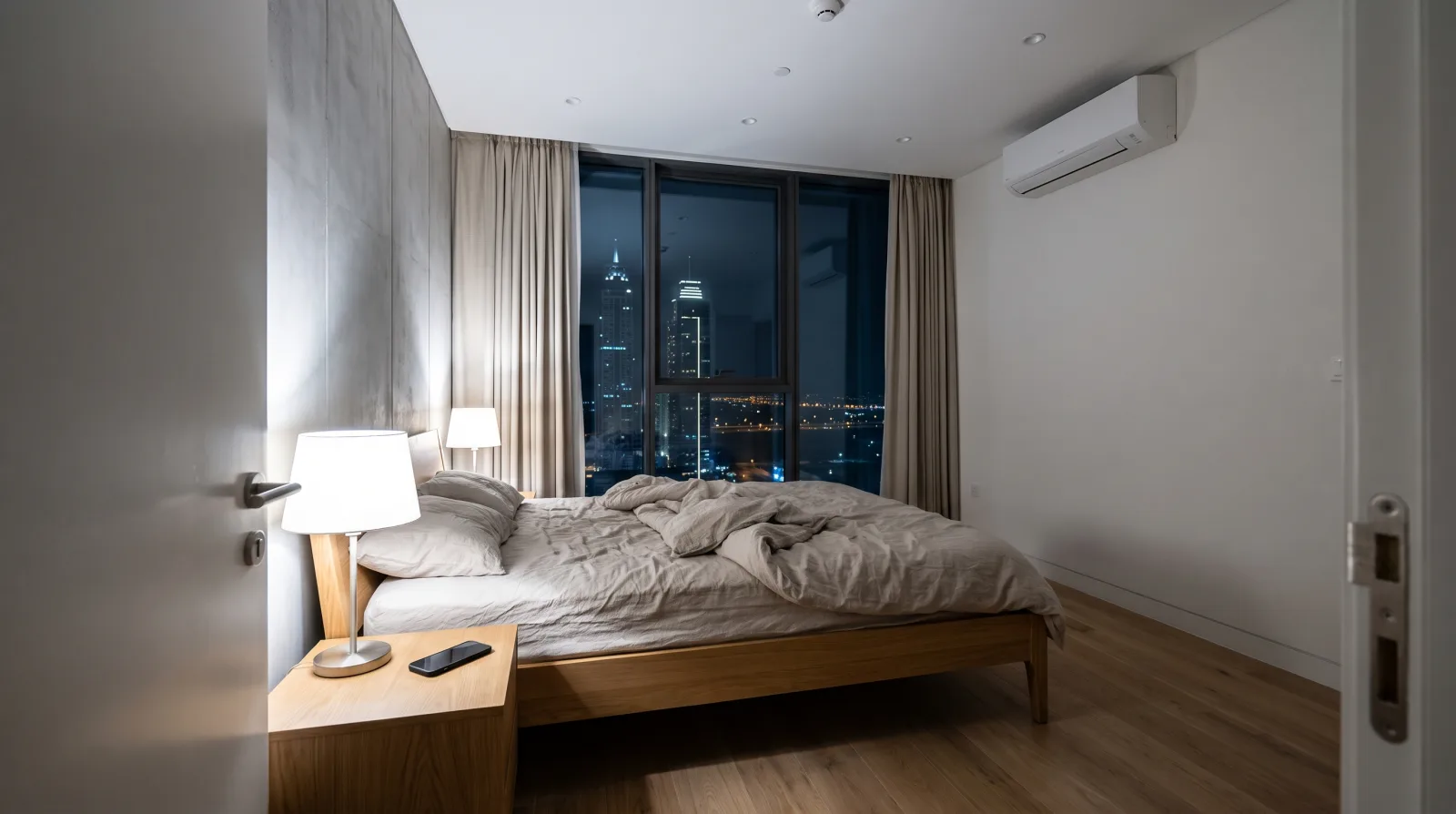
The power drops for twenty seconds at ten past three in the morning. When it comes back, every bulb in the bedroom switches on at full brightness. The AC that was cooling the room stays silent, and the app on your phone still says it is on at 23. Nobody touched anything. Each device in your smart home did what it was set to do when its power returned, and those settings were never chosen by anyone in the house.
TL;DR: Every smart bulb, relay and plug has a power-on setting that decides what it does when electricity returns. Most ship on a default nobody picked: Philips Hue bulbs come back at full brightness. Set bulbs to return to their last state, set anything that heats or pumps to come back off, and check an infrared-controlled AC against its app afterwards. It is a ten-minute job in the apps, with no new hardware.
Where Power Cuts in a Dubai Home Come From
Rarely from DEWA's network. DEWA recorded 0.82 customer minutes lost per customer in 2025, about 49 seconds of interruption a year, down from 6.88 minutes in 2012 (WAM via Emirates 24|7, 2026).
So when your power does go, look closer to home. If a breaker trips on your own distribution board, that circuit stays off until someone resets it by hand, so you will know about it. The cuts this guide is about are the other kind: short blips that come and go on their own, wherever they start. Those are the ones your devices handle worst, because a twenty-second blip at 3am ends with the house deciding for itself while you sleep.
Smart Bulbs Come Back at Full Brightness by Default
This is the one that wakes people up. Newly purchased Hue lights default to turning on at 100 percent brightness after regaining power (Android Police, 2024). There is a sound reason for it. A smart bulb has to behave like an ordinary bulb when someone uses the wall switch, and a bulb that stayed dark after power returned would look broken.
The fix has existed since 2018, when Hue added "the long awaited option for your lights to return to their previous state when you experience a power loss" under a setting called Power-on behavior (Philips Hue release notes, 2018). The choices are the Hue default, return to how the light was before, or a colour and brightness you pick.
For most rooms, set it to return to the previous state. A lamp that was off at 3am stays off. For a bedroom, some people prefer a custom setting at a very low warm glow, so a blip leaves a night light rather than a floodlight. More on setting up scenes in our smart lighting service and the Philips Hue guide.
Relays Behind the Wall Switch Have Four Choices
A relay is the small module an electrician fits behind a wall switch to make ordinary lights, a water heater or a pump smart. It has a power-on setting too, and it matters more here, because a relay often switches things that should not come on unattended.
Shelly's documentation lists the choices plainly. The setting is "Output state to set on power_on", and the range of values is off, on, restore_last and match_input (Shelly API docs). In plain terms:
- Off: the circuit stays off until something tells it otherwise.
- On: the circuit switches on whenever power returns.
- Restore last: it goes back to whatever it was doing.
- Match input: the position of the physical wall switch wins.
Aqara relays have a simpler version called power outage memory, which "recovers the on/off mode after power failure" when enabled (Zigbee2MQTT device docs).
For lights, restore last or match input both behave well. The circuits that need a deliberate choice are the ones that heat or pump.
Heaters and Pumps Should Come Back Off
A water heater on a relay set to "on" switches on whenever power returns, 3am included, whatever its schedule says. "Restore last" is subtler. Say the cut lands while the heater is running, and its scheduled off time passes before power returns. The heater comes back on and stays on until the next scheduled off. The same goes for a pool pump. Neither is dangerous in itself, but you scheduled them for a reason, and a power blip quietly overrides the schedule.
Our advice is to set any relay that switches a heater or a pump to come back off, and let its schedule switch it on at the next scheduled time. The trade-off: if the power drops in the middle of the heater's morning window, you may have a cooler shower that day, because the schedule will not fire again until its next start time. We think that beats a heater running through the night unnoticed. If you are not sure which relay runs the heater, that is a question for whoever installed it.
If you are putting a heater on a schedule in the first place, it belongs on a properly rated relay at its own switch, not a smart plug. We explain why in our guides to scheduling a water heater without a smart plug and what smart plugs can safely switch. Shelly relays are covered on our Shelly page.
Your AC May Come Back On, but the App May Not Know
Many ACs restart on their own. Daikin's operation manual for one of its ducted units says "If the main power supply is turned off during operation, operation will restart automatically after the power turns back on again" (Daikin operation manual). Check your own unit's manual for "auto restart", because the behaviour varies by model.
Where it gets confusing is the smart layer on top. Most renter-friendly AC controllers talk to the AC by infrared, the same way the remote does. They send commands and never hear anything back, which is why the screen on your remote shows the last setting you pressed rather than what the AC is doing. So if your unit has no auto-restart, it stays off after a cut while the app still shows it cooling. And if anyone used the remote or the unit's buttons since the last app command, the app was already out of step before the cut.
After any cut, look at the AC itself and compare it with the app. If they disagree, send a fresh command from the app, such as your usual cooling setting. On a typical split AC, that one command puts the unit and the app back in step. Our smart AC service covers which controllers suit which units.
Locks Run on Batteries, Gates Need a Decision
A smart lock on your apartment door runs on its own batteries, so a power cut does not open it or lock you out. The failure to plan for is a flat battery, and the answer is to keep your key. We cover that in how smart locks actually work.
A villa gate is different. An electric gate lock runs on mains power, and what it does when that power goes is a design choice made before it is installed. A fail-safe lock releases, so the gate can be pushed open. A fail-secure lock stays locked, so nobody gets in, including you, unless there is another way through.
On the villa gate work we are scoping, fail-safe or fail-secure gets decided before any lock is ordered, and on a powered gate, so is whether the manual release can be reached from outside in a power cut. If your gate already has an electric lock, ask the installer which type it is, or look for "fail-safe" or "fail-secure" on the lock's label or datasheet, before the day you need to know.
The Network Comes Back Last
When the power returns, the bulbs and relays are back almost at once. The router is not. It has to boot and reconnect, and a hub has to boot and find its devices again. While that happens, anything that depends on the internet or on the hub cannot be controlled, and schedules that live in the cloud cannot fire.
This is where the power-on settings above matter most. They are stored on the device itself, so they work before the network is back. A bulb set to return to its previous state does so on its own, with no hub involved.
Two things help. Systems that run their schedules locally, like Home Assistant, keep working when the internet is slow to return, as long as the hub itself has power. And a small UPS (uninterruptible power supply, a battery box) under the fibre box, router and hub keeps the network up through a short blip, so nothing has to reconnect at all.
On a fibre line, backing up the router alone is not enough, because the fibre box beside it needs power too. If devices struggle to reconnect after every restart, the Wi-Fi itself may be the problem, and our guide to smart devices dropping off Wi-Fi covers that.
A Ten-Minute Check You Can Do Today
You do not need to wait for a power cut to find out what your home will do. Open each app and look for the setting:
- Philips Hue: look for Power-on behavior in the app's settings, or when editing a room, where you can change several lights at once.
- Shelly: the power-on default for each output, in the device's settings.
- Aqara: a power outage memory option on each relay or switch (the name varies by app).
- Smart plugs: look in the plug's own settings page for a power-on or power-loss option. Not every plug has one.
- An infrared AC controller: there is no setting to change. The habit is to glance at the unit after any cut and send one command from the app if the two disagree.
Decide once, room by room. Bulbs return to their last state. Bedroom lights either return to their last state or come back at a low glow. Anything that heats or pumps comes back off.
If you rent, all of this is app settings plus one habit for the AC. None of it touches the walls or needs your landlord's approval.
When This Is Worth a Visit
For most apartments, the check above is the whole job, and you can do it yourself in ten minutes. It becomes worth a professional look when you have undocumented relays behind the switches, a gate lock of unknown type, or a mix of apps and no record of which device is set to what. That is configuration work, and we cover it in our note on smart home support after installation.
Frequently Asked Questions
Why do my smart lights turn on after a power outage?
Many smart bulbs come back on at full brightness when power returns, because they are designed to behave like ordinary bulbs on a wall switch. Philips Hue bulbs do this by default. Change the Power-on behavior setting in the Hue app so each light returns to its previous state instead, and a lamp that was off stays off.
Do smart devices remember their settings after a power cut?
Their schedules, scenes and pairings are stored on the device, the hub or the maker's cloud, so they survive a cut. What changes is the on or off state each device returns to, which depends on its power-on setting. Relays and bulbs left on the factory default may come back on, even if they were off before the cut.
Will my AC turn back on by itself after a power cut in Dubai?
Many ACs restart automatically in their last mode when power returns, but it depends on the model, so check your manual for an auto-restart feature. If you use an infrared smart controller, the app cannot see what the AC did, so check the unit after a cut and send a fresh command from the app if the two disagree.
Do I need a UPS for my smart home?
Not for the devices themselves, because their power-on settings work without a network. A small UPS on the fibre box, router and hub is useful if you want remote control and cloud schedules to carry on through a short blip. It keeps the network up so nothing has to reconnect, and it costs far less than backing up the whole home.
Not sure what your home is set to do at 3am? Tell us what you have installed and we will tell you which settings to change, and whether anything needs more than a setting.
Ready to Get Started?
Get a free consultation and we'll recommend what makes sense for your situation.
Get Free Consultation