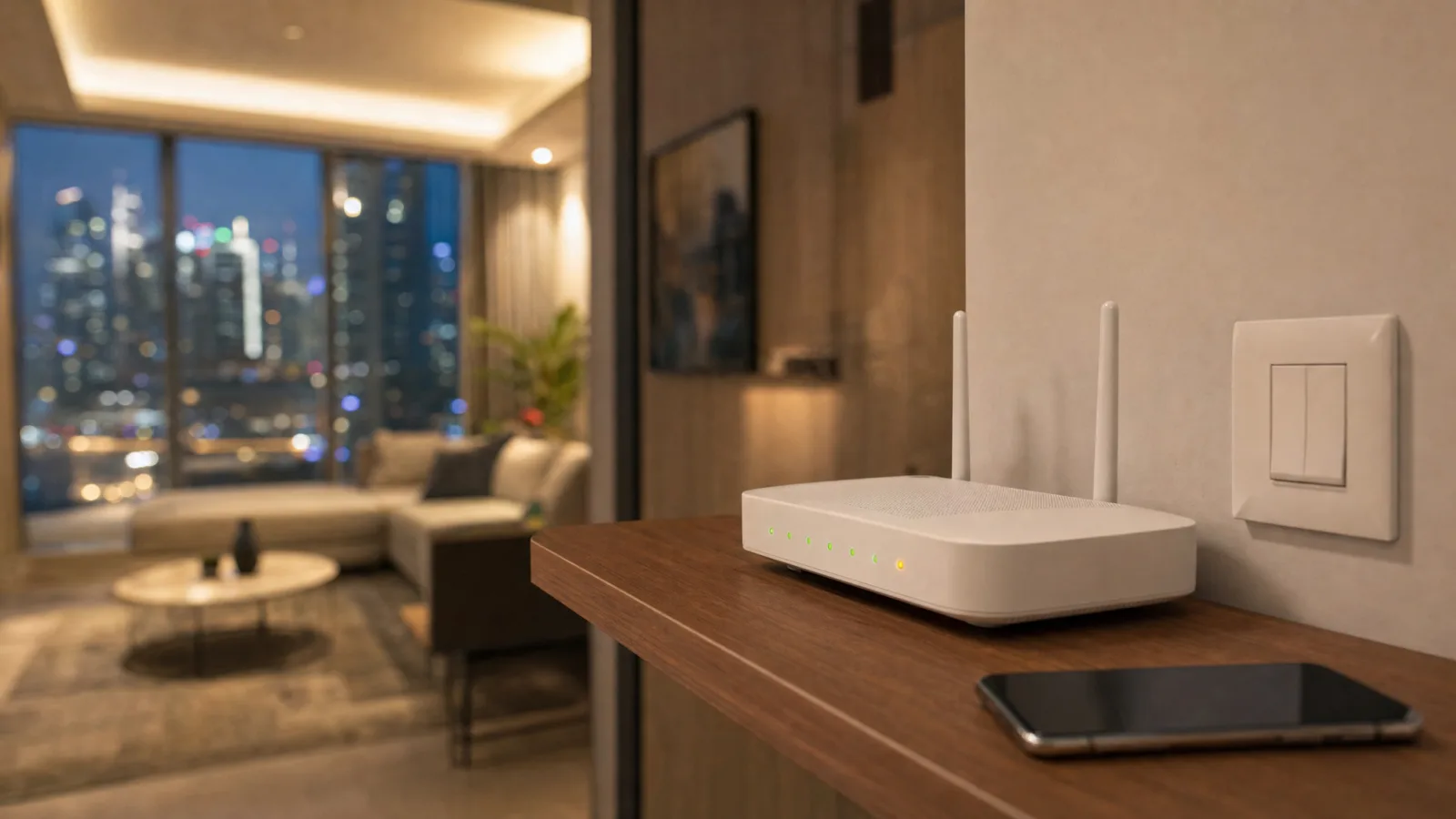
If your phone shows full Wi-Fi bars with "No Internet Connection" underneath, the network inside your home is still running and it's the connection to the outside that has dropped. Most of what you control from inside the home keeps working then, whether through a switch, a hub or the device itself. What stops is anything that has to check in with a company's server before it acts, and getting in from outside the home.
If your line is down right now, wall switches, lock keypads and your AC's own remote, if it has one, are the safe bets.
Full Wi-Fi Bars and Nothing Loads
Your router does two jobs. It runs the network inside your home, the one your phone, speaker, camera and plugs all join, and it connects that network to the outside world through the line from e& or du. An internet outage usually takes out the second job and leaves the first one alone.
So the devices can still reach each other. A switch can talk to a hub, your phone can reach a camera six metres away, and a speaker can still hear you.
A power cut is a different problem, because everything goes down and the question is what comes back on. So is a Wi-Fi bedtime for the kids, which switches off the home network itself.
Three Places a Smart Device Can Decide
What matters in an outage is where each device makes its decisions, and there are three places that can happen.
In the device or the wall. A smart switch still wired to its light, a lock keypad, a camera writing to its own memory card. None of these needs the network for its basic job.
On a hub in your home. A smart home hub, a Home Assistant box (a small computer that runs the home's automations), or a speaker that doubles as a hub. Automations stored here can keep running through an outage, as long as every device in them talks to the hub directly and not through its maker's cloud.
On a company's server. Some Wi-Fi gadgets that set up through their own app send every tap to the manufacturer and back, even when your phone is in the same room. Those stop with the line.
Voice Assistants Work Locally for Some Devices
An Echo can still switch a bulb that's paired straight to it. Amazon builds a local link for those devices so voice commands keep working "even when the internet or cloud infrastructure is down" (Amazon). For Zigbee and Bluetooth mesh devices, the low-power radios many bulbs and sensors use, that only covers the basics, such as on and off.
A Wi-Fi plug that reaches Alexa through its maker's own add-on is another matter. That link runs through the maker's cloud, which is what you've just lost.
Google's Nest hubs and speakers have controlled Matter devices locally since January 2025 (The Verge, 2025). Matter is a shared standard that lets devices from different brands work together, and it has its own logo on the box. Ask a Nest speaker to turn on a Matter light with the line down and it should still do it, as long as the light was added as a Matter device and not linked in through another company's account.
Apple's HomeKit works the same way from inside the home. Even the strictest setting on a HomeKit router, which blocks an accessory's internet access entirely, still lets your Apple devices at home find and control it (Apple).
Matter was built for this. The group behind it describes it as a local technology and says Matter-only devices need a hub or speaker at home if you want to reach them from outside (Connectivity Standards Alliance). For anything you'll depend on, Matter, or a hub that sits in your home, is the safer pick.
Check the AC Controller First
In a Dubai home, the device you'll miss most during an outage is whatever runs the AC, whether that's a plug-in smart AC controller or a wall thermostat. Whether its schedule survives depends on where the schedule is stored. A schedule held on the controller keeps running. One held on the maker's server may not fire.
Look in the controller's help pages for what happens to the schedule when the connection drops. A useful answer says whether the current schedule keeps running and which features wait for the line to come back. If the maker doesn't say, the test below finds out.
If your AC came with its own remote, that still works. It talks straight to the indoor unit.
Cameras Keep Recording to the Card
Most cameras with a memory card keep recording through an outage, but they can't send you an alert. On some, the clips never reach the cloud afterwards either. The accepted answer on a TP-Link community thread says that for a Tapo camera with a card and a cloud plan, clips from the outage "will be stored on the SD card but not the cloud server, and they won't be uploaded to the cloud server even if the internet comes back" (TP-Link Community, 2024). If you go looking for that evening in the app, check the card.
A camera with no card and a cloud-only plan records nothing until the connection is back. Our indoor camera guide names the ones that record to a card.
Locks and Wall Switches
A lock with a keypad or fingerprint reader opens with no internet at all. A lock that only opens through an app and the cloud is the one to check. We explain the four ways a lock can open in how smart locks work.
If a switch is still wired to its light, the light works. Every room should keep at least one control that works without the app, and a wired switch is the simplest one.
A Ten-Minute Smart Home Internet Test
You don't have to wait for the next outage to find out what your home does. Pick an evening when nobody is on a call. A home phone that runs through the router will go quiet for the test, and so will a monitored alarm that uses it, so tell the monitoring company first.
- Find the cable running from the fibre unit on the wall to your router. At the router end it goes into a port marked WAN or Internet on most routers, often a different colour from the rest. Leave the fibre unit alone. If you can't tell which cable it is, stop here and use the next real outage instead.
- In the AC's app or on its controller, schedule a temperature change for ten minutes from now. Then unplug that cable at the router straight away.
- Check your phone shows Wi-Fi with no internet.
- Try each thing in turn: a wall switch, the app for each device, one voice command, an automation (walk past a motion sensor), the camera's live view, the lock's keypad. Then check whether the AC changed at the time you set.
- Write down what fails.
- Plug the cable back in and give the router a few minutes to reconnect.
If your router and fibre unit are one box with no cable between them, this version won't work. Fill the list in during the next real outage instead.
Then read the list. A camera that can't alert you is behaving as designed. An AC schedule that didn't fire, or a light that only answers an app, is the thing to fix.
What We Do With the List
If you hand us a list like that, we move the things you depend on onto local control: a hub or a Home Assistant box in the home, Matter devices where they fit, and a wall switch or keypad behind anything you need at night. Remote access still works whenever the line is up.
Frequently Asked Questions
Does a smart home work without internet?
Partly. Wall switches, keypads and anything run by a hub in your home keep working, because the home Wi-Fi stays up through most outages. Devices that rely on their maker's server stop until the connection returns, and so does control from outside the home, unless your router has a mobile-data backup.
Can I control my smart devices from my phone when the internet is down?
Sometimes. If your phone is on your home Wi-Fi and the app talks to the device locally, as Apple Home or a hub's own app such as Home Assistant can, it should still respond. If the app has to reach the maker's server first, it shows the device as offline even though it's a few metres away.
Will my AC schedule still run if the internet goes down?
Only if the schedule is stored on the controller or a hub inside your home, and not every maker says which. The ten-minute test above checks it. The AC's own remote keeps working either way, if it has one.
Send us your list if it comes back longer than you'd like, and we'll tell you which items are worth moving to local control.
Ready to Get Started?
Get a free consultation and we'll recommend what makes sense for your situation.
Get Free Consultation