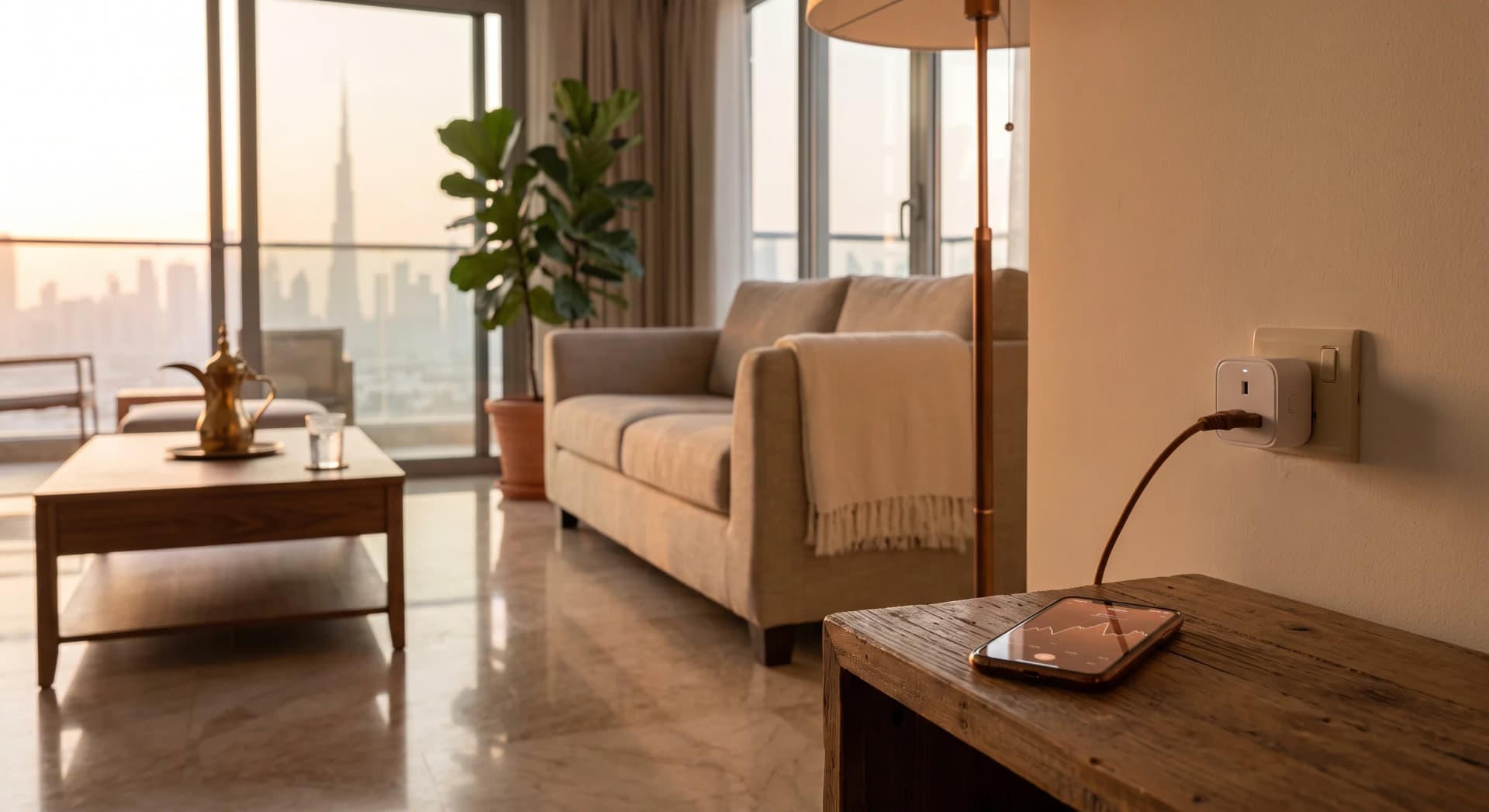
You buy a smart plug because it is the most accessible way into a smart home. It is the one upgrade a renter can install without a landlord conversation: AED 40, no wiring, nothing screwed into the wall. You put a lamp on it, say "turn on the living room" out loud, and it works. Then a month later you try to put your water heater on one so the shower is hot when you wake up, and someone online tells you that is a bad idea. Same little white box. Why is one job fine and the other a fire risk?
The answer is inside the plug, and it is worth understanding, because the whole point of a smart home is that you stop thinking about it. A smart plug you chose wrong is a smart home you have to think about. So here is what happens between the wall and the thing you plugged in.
TL;DR: A smart plug is a wall adapter with three parts inside: a relay that physically opens and closes the circuit, a wireless chip that listens for your commands, and on some models an energy meter that measures what flows through. In the UAE it must be a UK-style 13-amp plug, which safely handles a lamp, a fan, or a router, but not a kettle, a water heater, or an AC. It draws about 1 watt to stay online. Get the match right and it is the best AED 40 you will spend on your home.
What Is Inside a Smart Plug
A smart plug is three small parts sharing one shell. The first is a relay, which is the part that turns your device on and off. The second is a radio chip that connects to your home network and waits for a command from your phone or your voice assistant. The third, on the models that cost a little more, is an energy meter that measures the power passing through.
That is the whole machine. Everything a smart plug does is one of those three parts doing its job. When you understand which part matters for which task, you stop guessing at the shop and you stop buying the wrong one. In our experience the people who are disappointed by a smart plug almost always bought a plug whose parts did not match the job they had in mind.
How the Relay Switches Your Power On and Off
The relay is a switch that your phone can press. In most plugs at this price it is a small electromagnetic relay: a coil of wire that, when the plug's controller sends it a little power, becomes a magnet and pulls a metal contact closed, connecting the live wire to your device (Electronics Hub, 2024). Cut that little power and the contact springs back open, and your device loses power at the socket.
That is the click you hear when a smart plug turns on. It is a real physical contact moving, the same way a light switch moves, except your phone is the finger. A tiny isolation component sits between the low-voltage brain of the plug and the 230-volt side, so the electronics that talk to your network never touch mains voltage (Parts Not Included).
The important thing for you is what that contact is rated to carry. A relay built for a lamp is not built for a kettle, and no amount of clever software changes the metal inside.
How Smart Plugs Measure Your Energy Use
The plugs that show you a live wattage graph have an extra chip the plainer ones leave out. It is a dedicated metering circuit, and a common one is the HLW8012, the same family of chip found in Sonoff's power-monitoring devices (ESPHome). It reads current by measuring the tiny voltage drop across a small resistor in the live path, samples the mains voltage separately, and reports power back to the plug's controller many times a second.
That is why an energy-monitoring plug costs a few dirhams more than a plain one. You are paying for that measuring chain. To put real numbers on it, on Amazon.ae as of July 2026 a decent Type G smart plug runs roughly AED 35 to AED 90, with the energy-monitoring models like the TP-Link Tapo P110 sitting at the upper end and the non-monitoring versions costing less (Amazon.ae). If you want to know what your fridge or your router costs to run, pay for the meter. If you only want to switch a lamp, do not.
One honest note. The meters in these plugs are accurate enough to spot a hungry appliance, not accurate enough to bill someone. Treat the number as a strong hint, not a lab reading.
Why the UAE Socket Type Changes What You Can Buy
Half the smart plugs you see reviewed online will not fit your wall. The UAE runs on the UK-style Type G three-pin socket at 230 volts and 50 hertz (World Standards, 2024). The flat two-pin plugs that dominate American reviews and American Amazon listings are Type A and B at 120 volts. They do not fit, and even with an adapter the voltage is wrong.
So when you read a glowing review of a smart plug, check that the version sold here is the UK 13-amp one before you buy. Most of the big brands make a Type G model for this market. The one you order off a US site is not it. This is the single most common reason a smart plug arrives and goes straight back in the box.
How Many Watts a Smart Plug Can Handle
Every smart plug has a hard ceiling, and it is printed on the plug. The UK version of the Tapo P110 sold here is rated 13 amps at 220 volts (Amazon.ae), with an absolute design ceiling of 16 amps and 3680 watts on the wider European model (wifi-stock). Thirteen amps at 230 volts is just under 3000 watts.
Here is where it gets real for a Dubai apartment. An electric kettle pulls 2000 to 3000 watts. A water heater is similar. A window AC or a portable AC has a compressor that surges hard the instant it starts. Put any of those on a plug that is right at its limit, running for long stretches, and you are asking a small relay contact to do a job it was not built for. The safe rule is to stay well under the rating for anything that runs continuously, which is why we tell clients to keep kettles, heaters, and ACs off smart plugs entirely and use a proper wall control for those instead. A villa pool pump is the same problem one size up, and it needs a contactor rather than a plug, which we cover in putting a pool pump on a smart switch.
A lamp, a fan, a phone charger, a router, a TV, a coffee machine that runs for two minutes: all comfortably inside the ceiling. That is the smart plug's real job. It is also how we automate a small wall or exhaust fan in a room that heats up fast when someone is using it, like the spare-room home gym setup we walk through separately.
WiFi, Zigbee, and Why Your Plugs Sometimes Stop Responding
A smart plug talks to your home one of two ways, and the difference decides how many you can run before things get flaky. A WiFi plug is just another device on your router, sitting on the crowded 2.4 gigahertz band alongside your phone, your laptop, and every other smart gadget. Load fifteen of them onto one apartment router and some of them start to lag or drop, and your other traffic can suffer too (XDA Developers, 2025).
A Zigbee plug is different. It talks to a small hub instead of your router, on its own low-power radio, and because it is always plugged into the wall it also relays signal for the battery sensors around it, extending the network instead of crowding it (Homey, 2024). For one or two plugs, WiFi is simpler and fine. For a home that is going to keep adding devices, a hub-based system stays calmer as it grows. This is the same reason we build most whole-home setups around a proper local platform rather than a pile of WiFi gadgets.
Do Smart Plugs Use Electricity When They Are Off
Yes, a little. The plug's own controller stays awake to hear your next command, and that draws just under a watt, measured on a real meter (Hackaday, 2018). That is by design. International efficiency standards have pushed standby power toward half a watt to one watt for years (One Watt Initiative), and a good smart plug sits in that band.
This matters for a promise you will see everywhere: that a smart plug saves money by killing standby power on your devices. It is true for old, leaky electronics that waste several watts doing nothing. It is not true for a modern TV or console that already sips well under a watt on standby, because the plug's own draw can cancel out the saving. A smart plug earns its keep through convenience and control, and any bill reduction is a side effect, not the reason to buy one. If cutting standby waste across the whole apartment is your actual goal, we wrote a separate piece on the three appliances quietly running 24/7 in every Dubai apartment that covers where the real money hides.
What Happens When Your Internet Drops
This is the question nobody asks until the WiFi goes down and half the house stops responding. A cloud-tethered WiFi plug sends your command out to the manufacturer's servers and back, so when your internet drops, the plug can go deaf even though it is sitting a metre from your phone (The Nest Lab, 2026). A plug on a local hub, or a Matter plug, keeps running its schedules on its own, because the brain is in your home, not in a data centre.
For a lamp, a brief outage is no drama. For anything you rely on to run on a schedule, ask whether the plug works locally before you buy it. In our experience this is the detail that separates a smart home that feels solid from one that feels fragile.
What We Will Talk You Out Of
A smart plug is inexpensive, so it is easy to buy the wrong one or too many. Here is where we tell clients to stop.
Do not put your kettle, water heater, or AC on a smart plug. They are at or beyond what the relay is built to switch, and it is a safety line, not a preference. If the water heater is the one you wanted on a schedule, here is how to do it without a plug. Do not put your fridge on a plug that will switch it, because a fridge does not want its power cut on a whim and some models sulk after an unexpected outage. Leaving one on an energy-monitoring plug purely to read what it draws is a different job, and that is fine. The relay is still in there and the app will still offer you an off switch, so keep that plug out of your schedules and scenes, give it a week, then move it on to the next suspect. Do not fill an apartment with fifteen WiFi plugs and expect them to stay responsive on one router. And do not buy the energy-monitoring model for a bedside lamp you will never measure. Match the plug to the job, buy one good one, and see if you even want a second.
When someone asks us to smart-plug their whole apartment, we usually recommend three or four in the right places and a proper wall switch for the lighting, which is a cleaner result than a plug hanging off every socket.
Frequently Asked Questions
Do smart plugs work without WiFi?
A WiFi smart plug needs your network to take commands from your phone, though many keep running their saved schedules locally if the internet drops briefly. Zigbee and Z-Wave plugs run through a hub on their own radio and do not use your WiFi at all, so they keep working during a WiFi outage.
Do smart plugs use electricity when off?
Yes, just under a watt, to keep the plug online and listening for your next command. Over a year that is a tiny cost. The bigger point is that the plug can cut your device's power fully at the socket, which a device left in its own standby mode does not do.
Can I put a kettle or AC on a smart plug?
No. Kettles, water heaters, and air conditioners pull close to or beyond a plug's safe limit, and ACs surge hard when the compressor starts. Running them through a smart plug risks overheating the relay. Use a dedicated wall control for those and keep smart plugs for lamps, fans, chargers, and electronics.
Do smart plugs sold abroad work in the UAE?
Only if they are the UK-style Type G 13-amp version for 230 volts. The flat two-pin plugs common on US listings are the wrong shape and the wrong voltage. Always check that the model you order is the Type G UK plug sold for this market.
Are energy-monitoring smart plugs worth the extra cost?
If you want to see what an appliance actually costs to run, yes, the extra few dirhams pays for a real measuring chip inside. If you only want to switch a lamp on and off, buy the plain non-monitoring model and save the difference.
The Best AED 40 in Your Home, If You Match It Right
A smart plug is the easiest door into a smart home, and it is a genuinely good one when the plug fits the job. Lamp, fan, router, coffee machine: perfect. Kettle, heater, AC: never. Know which of the three parts inside you need, buy the UK 13-amp version, and you get real control for less than a lunch.
If you would rather not guess, tell us about your apartment and we will point you at the few plugs worth buying and the couple of jobs that need a proper switch instead. No obligation, no upsell, only an honest recommendation.
Ready to Get Started?
Get a free consultation and we'll recommend what makes sense for your situation.
Get Free Consultation