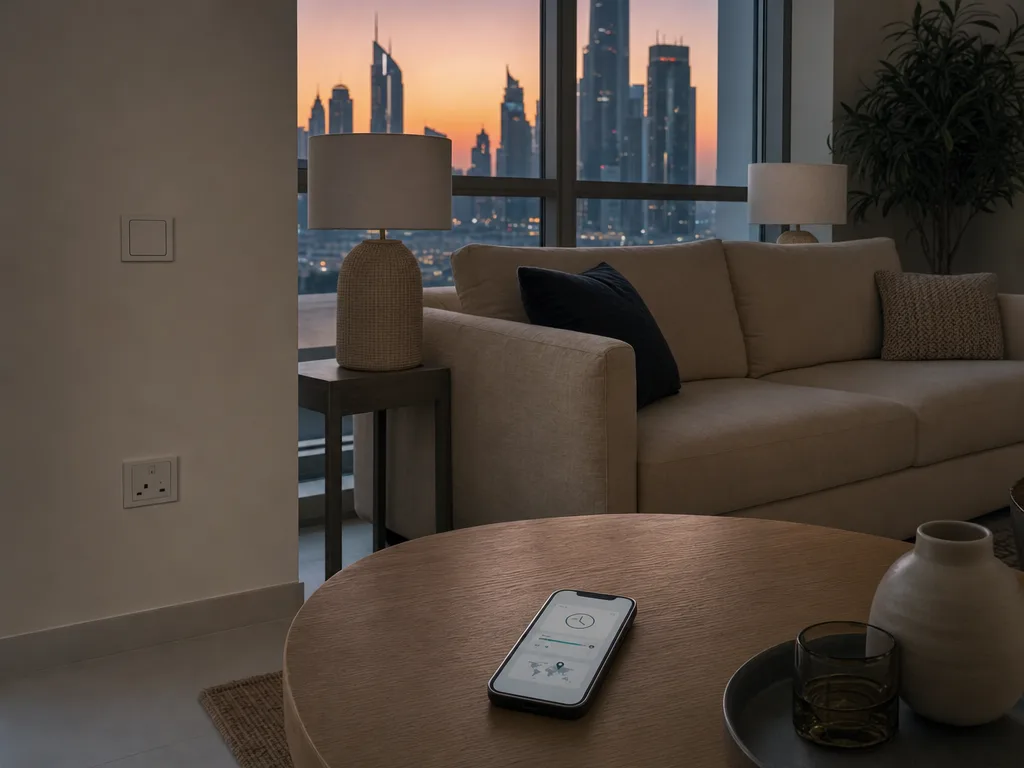
If an AC schedule you set for 6pm starts at 10pm, or lamps meant to come on at sunset come on in daylight, check two settings before anything else: the time zone and the home location. A device with the wrong ones keeps good time for somewhere else.
Read the Gap Before You Open Any App
How far off the schedule runs tells you which setting to look at.
- Off by the same amount every day, early or late, on fixed-time schedules. The time zone is wrong. Four hours late this time of year matches a device set to London, and other gaps match other cities.
- Off by an uneven amount, and only on sunrise or sunset triggers. The time zone is fine and the home location is wrong, so the device is working out sunset for somewhere else. A pin in the wrong emirate puts it out by minutes. A pin in another country can put it out by hours.
- Sunrise or sunset options are missing, or greyed out. No home address has been set at all.
- Fine for weeks, then wrong or missing after an outage. The device may not have got its clock back. That's a different fault, covered further down.
Why the Gap Changed on 25 October
The UAE is "4 hours ahead of GMT" (u.ae) and doesn't change its clocks for daylight saving (IANA time zone database). The UK does. Its clocks went forward on 29 March 2026 and back on 25 October 2026 (GOV.UK).
So a hub that believes it's in London fires a 6pm schedule at 10pm Dubai time in winter and 9pm in summer. The gap moved on 25 October without anyone touching anything, which is why a schedule that ran three hours late all summer now runs four.
How a Device Ends Up in the Wrong City
Many apps don't ask for your time zone. They work it out during setup, and that's where it goes wrong.
Some guess from your internet connection. Home Assistant's own documentation says it "can detect your location from IP address geolocation" during setup and then picks a time zone from that (Home Assistant). If the network it runs on goes out through a VPN, the guess can land wherever the VPN exits, so set the time zone by hand.
Others take an address you gave them once. If you set an Echo up before you moved to Dubai, it may still have the old one. Amazon's help page for screen models is titled "After Moving, Update Device Location on Your Echo Devices with a Screen" (Amazon).
And a hub that was moved from the last flat, or handed over by a landlord, may keep whatever the previous owner set. If that hub sits on the landlord's account and not yours, you won't find these settings in your own app. Ask whoever set it up to change the time zone and location, and don't factory reset it to get in.
Where to Fix the Time Zone in Each App
Menu names change between app versions, so treat these as where to look. If you run schedules in more than one app, say Alexa routines and a Shelly timer on the same light, check each one, because each keeps its own setting. If your app isn't below, look in the device's settings, then the home's settings, for Time Zone and Location.
Amazon Alexa
In the Alexa app, open Devices, pick the device, then Device Settings and Device Location, and enter the full address. Amazon says the device's location "is used for weather, time, and other features" (Amazon). On an Echo with a screen, also check Settings, then Device Options, then Time Zone (Amazon). Do this for each Echo, since the setting sits with the device.
Google Home
Google's routines need an address for the home itself. The help page lists "You haven't set an address for your home" as a reason a starter goes missing, and says time, sunrise and sunset starters need one (Google Assistant Help). Set it under the home's settings, then Home address (Google).
One trap here. The home and work addresses in your Google Account "aren't the same as the address set for your home in the Google Home app" (Google). Fixing one doesn't fix the other.
Shelly
Shelly relays keep their own time zone and location, set per device. Shelly's API documentation for its newer devices says that setting is "used for scheduling and sunrise/sunset event time calculation" (Shelly). In the app it's under the device's settings, Geo Location And Time Zone, where you can type the time zone, latitude and longitude, drop a pin on a map, or auto-detect (Shelly). If auto-detect got it wrong once, drop the pin on your building or pick the time zone by hand.
Home Assistant
The time zone and the home location both sit under Settings, then System, then Home information (Home Assistant). The location matters more than it looks. The Sun integration works out sunrise and sunset "based on your configured home location" (Home Assistant), so a pin left on the wrong map gives you the wrong sunset every evening. More on the platform on our Home Assistant page.
When the Time Zone Is Right and It's Still Late
If every setting says Dubai and the schedule still misfires, look at the clock itself. Shelly's guide for its original Shelly 1 says the weekly schedule "requires a working connection to the Internet, so the device can synchronize the time" (Shelly). A device like that, restarting after a power cut with no internet, may not run its schedule correctly until it reconnects.
That's the same chain that decides what keeps working when the connection drops, which we went through in what still works when the internet is down, and after a power cut. If a schedule broke right after an app update instead, this check is the faster route.
How to Tell It's Fixed
Don't wait for tomorrow's 6pm. Make a test schedule two minutes from now on one light, and watch it fire. Then, this evening, note when one sunset trigger fires and compare it with the sunset time in your weather app for Dubai. If both land where they should, delete the test and leave the rest alone.
Frequently Asked Questions
Which time zone should I pick for Dubai?
Pick Dubai if the list has it, or "Asia/Dubai", the name the standard time zone database uses for the UAE (IANA). Avoid anything named "Etc/GMT+4". In that naming scheme the sign is flipped, so it means four hours behind GMT (IANA).
Will I need to change it again in March?
No, as long as it's set to a UAE zone. The UAE doesn't move its clocks, so a correctly set device stays right all year. Only a device set to a country that changes its clocks shifts twice a year.
Do I need a technician for this?
No. These are all app settings and nothing is wired differently, so they're safe to change in a rented flat, as long as it's your own app account. If you'd rather someone checked every device and app in one visit, tell us what you've got and we'll go through it with you.
Ready to Get Started?
Get a free consultation and we'll recommend what makes sense for your situation.
Get Free Consultation