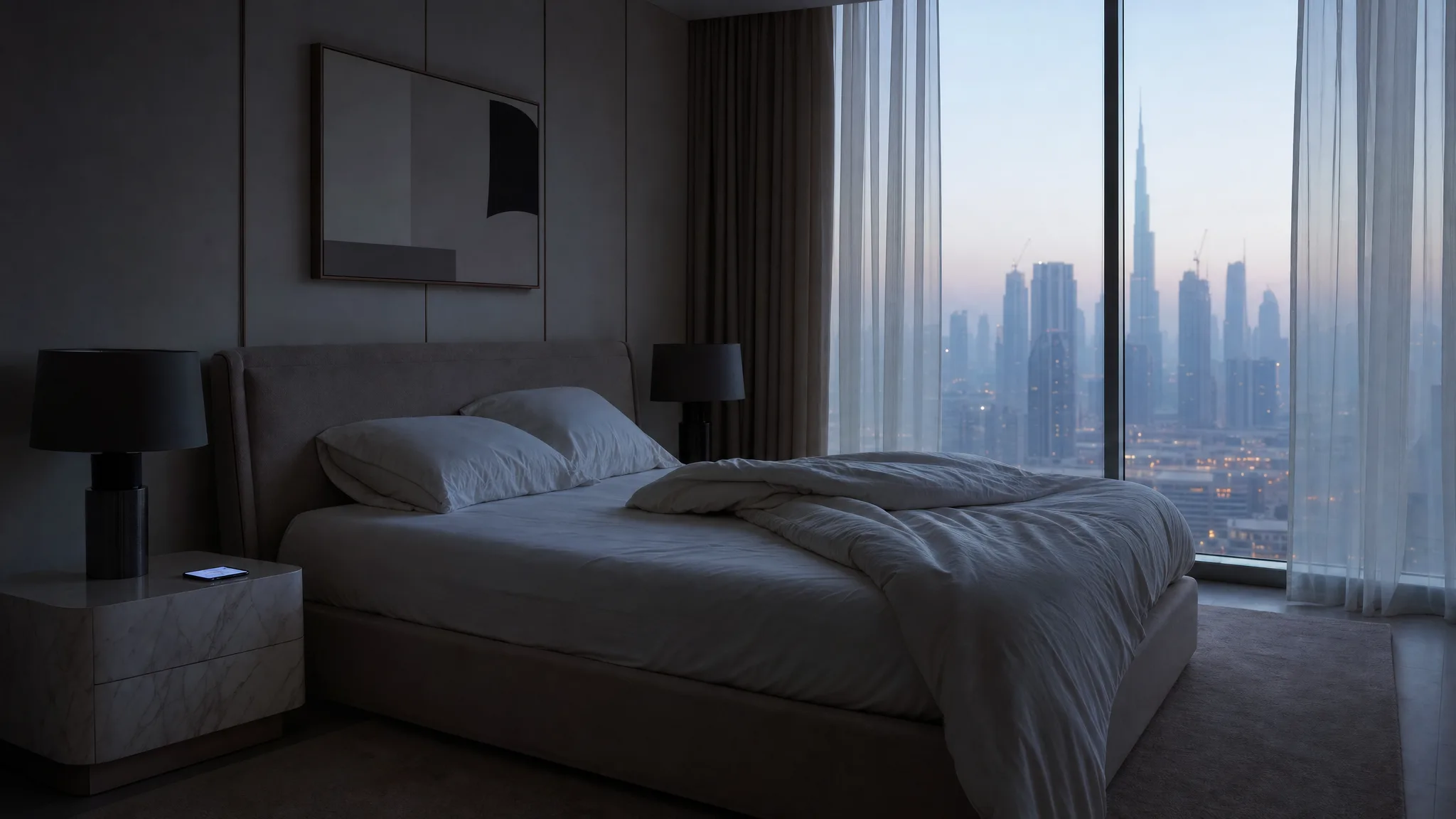
The lamp beside the bed comes on at 6:30. This morning it did not. Nobody moved a switch, nobody unplugged anything, nobody opened the app. The only thing that happened in the flat overnight is that a phone sat on charge and quietly downloaded fourteen updates, and one of them was the app that runs the lights.
This is the part of owning a smart home that nobody puts in the brochure. The house you set up last year is being edited by people you will never meet, on a schedule you do not control, and most of the time you will not notice. Then one morning you notice.
TL;DR: Four things in a smart home update on four different schedules: the app on your phone, the company's cloud, your hub, and the devices themselves. Most updates change nothing you care about. A few move a control, remove a feature, or end support for a device entirely. The fix is almost never a factory reset, and the automations that survive all of it are the ones running locally in your home.
The Four Things That Update Without You
The app on your phone, the company's servers, the hub in your cupboard, and the devices on your walls and ceilings: four layers, four schedules, and most of the time none of them asks you first. When something changes overnight, the first question is which of the four moved.
On an iPhone, the app layer moves on its own. Apple's guidance is direct about it: "On your iPhone and iPad, apps that you download from the App Store automatically update by default" (Apple Support).
Android does the same thing with the dial exposed. The behaviour is a setting in the Play Store under Network preferences, and the options run all the way to "Don't auto-update apps", with one carve-out Google states plainly: "If Google determines that an app update fixes a critical security vulnerability, we may make certain app updates. These updates can occur regardless of update settings in the app or on your device" (Google Play Help).
The cloud layer is the one people never think about, because there is nothing to install. A company changes something on its servers and your home behaves differently the next time it asks a question. There is no download, no notification, and no version number you can point at afterwards.
Hubs and devices are the messy part, and the honest answer is that it varies by brand. Some hubs fetch their own firmware and get on with it. Some sensors and in-wall modules wait for you to open the app and press a button you have never pressed. There is no universal rule here, so the practical move is to find out where the update button lives in your own app once, while nothing is wrong.
Clients ask us how to keep a system in good order. The honest answer is that it mostly keeps itself, in a direction somebody else chooses, and the two minutes worth spending are the morning after something changes, not on any schedule.
The Three Kinds of Change, and Only One of Them Is a Real Problem
Almost everything is cosmetic. The functional ones are annoying and usually clear up on their own, and the terminal ones are rare and do not. Sorting which of the three you are looking at takes about two minutes and saves you from breaking a working system.
Cosmetic means things moved. The dashboard got reorganised, the button you tapped every evening is now two taps away, the colours changed. Nothing is broken and nothing needs fixing. You are relearning a layout.
Functional means something you used has gone. The alarm, the sleep timer, the playlist editing, the widget. The hardware is fine, the automation logic is fine, and a feature in the control layer has been withdrawn, usually while it gets rebuilt.
Terminal means the device is no longer supported. The company has stopped writing software for it, or has switched off the service it talks to. This one is the rarest of the three, and it is the only one that can end with you buying something.
When a Feature You Used Goes Missing
A missing feature after an update usually means the company rewrote the app and shipped it before every part of the old one was rebuilt. Your speakers, lights or locks are untouched. The control layer around them got younger and thinner, and the gap can last months, not days.
The clearest public example is Sonos, a brand we install and like. In April 2024 the company announced it was replacing its app, and the press release said the redesign would arrive "globally through a software update for the S2 mobile app and via an all-new web app on May 7, 2024" (Sonos Newsroom). Nobody had to agree to anything. The speakers on the shelf did not change.
In a public update to customers on 28 October, nearly six months after the new app landed, Sonos said: "At the same time, some features are still missing. We know that these have devoted users as well, and we are eager to restore them." The list it then gave for restoration in December included playlist editing and snooze alarms (Sonos Community).
Read that as a homeowner, not as a tech story. Someone in Dubai who used a Sonos alarm to wake up had a working alarm in April and no snooze in October, and had done nothing wrong at any point. The equipment was never the issue. If you rely on a feature every single day, it is worth knowing that the feature lives in software somebody else maintains, and that the rebuild is on their calendar and not yours.
The Day Support Ends and Does Not Come Back
When support ends, the device keeps doing its physical job and the smart part stops. That change is permanent, and a company still trading will usually date it and write to the people who own the hardware. Not every company does, and that is the part to know before you buy anything.
Google ended support for the first and second generation Nest Learning Thermostats, and it emailed affected owners. The notice is unambiguous: "Your thermostat will no longer connect to or work in the Google Nest app or Google Home app starting on October 25, 2025." What survives is the dial itself. Google confirms you "can still continue to control your thermostat directly on your device" and that the pre-set schedules "will continue to work uninterrupted", while the devices "will no longer receive software or security updates" (Google Nest Help).
Belkin did the same with Wemo, and its notice splits owners in two. From 31 January 2026, Belkin says "the Wemo app and all cloud-based features" no longer function for affected products. Devices that had been set up with Apple HomeKit before that date "will continue to function through the Apple Home app without Wemo cloud services", and Belkin lists its Thread-based products as not affected at all. Everything else, in Belkin's own words, will "lose smart functionality" (Belkin Support).
Two homes with identical plugs on the wall. One kept a working smart home and one got a box of ordinary sockets. The difference was decided on installation day, or in the short window after the notice landed, by whether the thing was set up to run through something local as well as through the manufacturer's cloud.
Both of those companies told people. The uglier version is a company that does not, and we wrote about that separately: Insteon switched its cloud servers off without telling anyone in 2022, and its customers found out when their homes stopped answering. Wemo and Nest are the polite version of the same event, and the polite version happens far more often, because the company is still trading and still picking up the phone.
The Morning After an Update
Start with the app, not the device, and change nothing for the first ten minutes. Nearly always the app has moved a control or signed you out, and every minute you spend resetting hardware is a minute spent breaking something that was working. When we get called to a device that has stopped, we check the power and the connections behind it before we agree to replace anything. Six things to check, in this order:
- Check whether you are still signed in. An app that updates and lands on a login screen is one of the most common causes of a home that "stopped working", and the lights, locks and AC are all sitting there waiting, perfectly configured.
- Find out whether the app updated. On an iPhone, open the App Store, tap your picture at the top of the screen, then tap App Updates: "After an app is updated, it appears in the list of apps below Updated Recently" (Apple Support). Check the date next to it. If it updated the night things changed, you have your suspect. If it did not, the app is not your suspect and the change came from one of the other three: the company's servers, your hub, or the device itself. On Android the same list is harder to find, so the cruder test does the job: an app that looks different from yesterday has answered the question.
- The hub, before the bulb. In a home built around a hub, the hub holds the automations and the device only does what it is told, so a device that answers a manual tap but ignores its schedule usually points at the hub or the app. There is one exception, and it covers the device most Dubai flats depend on: where the schedule lives on the device itself, which is how most standalone AC controllers work, a reset clock or time zone will produce the same symptom, and that one is the device.
- Do not factory reset anything. A reset removes that device from your system and breaks every scene it belongs to, and it brings back nothing. That turns a ten-minute annoyance into an evening of rebuilding.
- If it does nothing at all. A device that will not answer a manual tap either is not the case above. Somebody should check the power at that position before anything gets replaced.
- Server-side changes: wait a day. Releases go out in waves, so what you are seeing may not have reached everyone yet, and a bad change is often pulled back within a day without anybody doing anything at your end. If it is still gone after that, it is gone on purpose, and that is the point to ask whoever supports your system what the replacement is.
The Two Automations to Check First in a Dubai Home
Check the cooling schedule and the door. In a Dubai apartment those are the two automations where a silent failure costs you real money or leaves you standing in a corridor, and they are the two most people never test until the moment they need them.
The AC schedule is the expensive one. A cooling automation that quietly stopped firing does not announce itself with an error. It announces itself a billing cycle later, on a bill that is higher than it should be, or with a flat that is warm at the hour it used to be comfortable. Tap through the schedule after any major app update and watch the setpoint change on the wall unit.
Door access is the one that strands you. Smart locks and video doorbells lean harder on remote access than most devices in the home, and in most off-the-shelf setups that path runs through the manufacturer's servers. Test it on mobile data with the home Wi-Fi switched off. That takes local control out of the picture and exercises the remote path, which is the one you will be on when it matters and the one you would otherwise never notice was broken.
Everything else can wait for you to notice it. A scene that dims the living room is a nice evening either way.
What Makes an Update Boring
Automations that run locally are the ones an app update cannot touch. When the logic lives on hardware inside the apartment, a new app is a new remote control for the same machine. The schedules keep firing while you work out where the buttons went.
This is why, when a home needs automations that keep running whatever a manufacturer does next, we put the logic on a hub inside the property instead of in a data centre, and Home Assistant is what we reach for. Not every home is built that way. Plenty run fine on the manufacturer's own app because that is what the job needed, and a single Hue kit does not earn a hub. The ones with a local hub are the ones an app redesign cannot reach, because the hub runs the 6:30 scene inside the apartment. The lamp still comes on while you relearn the layout.
Local execution has a limit. Running the logic in your home protects the automation. It does not stop a cloud service from changing. If your music comes from a streaming platform, that platform's app is still that platform's app, whatever runs your lights, and the Sonos episode above is exactly this shape. What local control buys you is a much smaller failure when something does change, so an update becomes a cosmetic annoyance instead of a house that stops responding.
The same instinct applies at purchase. A device that can be driven through an open standard as well as its own app has two roads into it, and losing one leaves the other. Belkin's notice is the proof: the Wemo plugs that had a second road kept working, and the ones that only had the app did not.
Belkin gave Wemo owners until 31 January 2026 to pair to HomeKit, so the second road stayed open right up to the deadline, and then it was gone. Setting it up takes minutes on installation day and is very easy to never get round to, which is why it belongs in the build. The other half of the same habit is turning on automatic updates for the devices that offer them, which we cover in our guide to securing smart home devices.
Frequently Asked Questions
Why did my smart home stop working after an app update?
Most often the app signed you out or moved the control without breaking anything. Check that you are still logged in, then check whether the schedule still fires from the hub. If a device responds to a manual tap but ignores its automation, the problem usually sits in the app or hub layer. If the schedule is stored on the device itself, check its clock and time zone.
Should I turn off automatic app updates for my smart home apps?
Not usually. Updates carry security fixes, and on Android some security updates are applied regardless of your setting anyway. A better habit is to open the app after a major update and tap through the two or three automations you depend on, instead of holding updates back and accumulating a much larger change later.
What happens to my smart devices when a company ends support?
The physical function stays and the smart function stops. Switches still switch, thermostats still hold the temperature you set on the dial, and the app connection, remote access and voice control go away on the announced date. A company that is still trading usually publishes the date in advance and tells you which features survive.
Does a firmware update need an installer to come out?
Rarely. Most hubs and devices update over your home network without anyone visiting. A callout is worth it when an update has changed how a device reports itself and the automations around it need rewriting, which is a programming job and not a hardware one.
How do I know if my smart home will survive a manufacturer shutdown?
Ask one question about every device: does anything other than the manufacturer's own app talk to it. A device reachable through a local hub or an open standard keeps working when the app goes away. A device that only answers to its own cloud is only as durable as that cloud.
A home that gets quietly edited by people you will never meet is manageable when the parts you depend on run under your own roof. Tell us about your home and we will show you which of your automations are local today and which ones are borrowed.
Ready to Get Started?
Get a free consultation and we'll recommend what makes sense for your situation.
Get Free Consultation