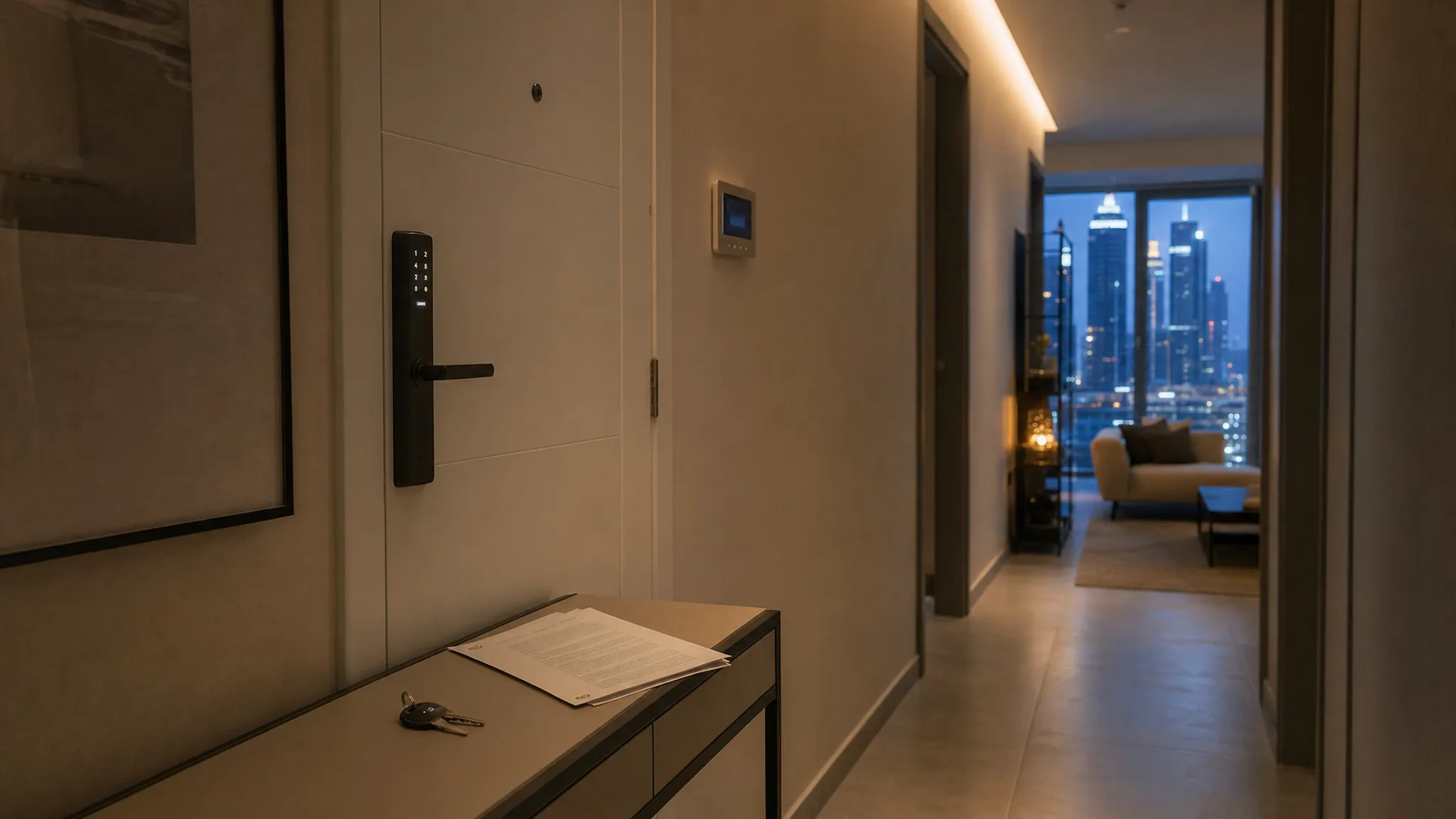
Your phone buzzes at eleven on a Tuesday night. Front door unlocked. You are three kilometres away at home, and the person who walked into that apartment pays you rent for it.
Nothing has gone wrong. That is the problem. The lock is doing exactly what you set it up to do eighteen months ago, when the flat was yours to walk into.
TL;DR: The smart hardware you fixed to the flat stays with the flat, but the account that controls it does not move by itself, and a landlord who keeps that login keeps the ability to unlock the door, read an arrival time and change the temperature in a home somebody else pays to live in.
On move-in day: hand the admin account to the tenant, delete every code issued before them, turn off every door, arrival and motion notification, and take out any indoor camera. Recording someone without their consent is a criminal offence in the UAE.
The tenant puts in their own internet line, the new router takes half the flat offline with it, and whoever holds the account is the one who puts it back. That is the second reason to hand it over. Reset everything between tenancies.
Dubai registered more than 513,000 new tenancy contracts in 2025, a 10 percent rise on the year before (Dubai Land Department, 2026). A growing share of those flats have a lock, a thermostat or a lighting system in them that somebody set up under a personal login. Almost nobody writes down what happens to that login on move-in day.
What Dubai's Tenancy Law Asks of the Landlord
Dubai's tenancy law is written about the property, and it asks more of the landlord than most owners expect. Three obligations point the same way: the flat has to arrive working, it has to keep working, and you are not allowed to change its amenities so the tenant cannot fully use them.
Article 15, as replaced by Law No. 33 of 2008, binds the landlord to "hand over the Real Property in a good condition which allows the Tenant to fully use it as stated in the Lease Contract." Article 16 of Law No. 26 of 2007 makes the landlord responsible, unless the parties agree otherwise, for maintenance throughout the term, and for "repairing any defect or damage that may affect the Tenant's intended use of the Real Property."
Then there is Article 17, which almost nobody quotes: "The Landlord may not make to the Real Property or any of its amenities or annexes any changes that would preclude the Tenant from full use of the Real Property as intended."
We are not a law firm and this is not legal advice. The statute was written about physical changes, and we have not found a Rent Dispute Settlement Centre decision applying any of it to a smart home account. Article 17 in particular bars changes the landlord makes, and a lock fitted before the tenancy began is not obviously one of them.
But read the three together and the direction is hard to miss. A front door whose codes only you can issue, and a thermostat only your phone can reach, is an amenity the tenant is using on loan from you. That is a strange thing to be true of somebody's home.
The Account Is the Part That Does Not Move on Its Own
The hardware stays with the flat. The login does not, and that split is where every landlord handover goes wrong.
A smart lock, an AC controller and a set of lights are all bonded to one account, usually the one belonging to whoever stood in the hallway on installation day. Sell the flat, let the flat, or move out of it, and that account carries on working exactly as before, because nothing in it knows the occupancy changed. Our guide to what happens when a Dubai apartment changes hands covers the sale version. A tenancy is the harder one, because the account has to go to the tenant while the hardware stays yours.
There are two clean ways to do it and one messy one.
Hand the account over to the tenant. Do it in the hallway, on the day, in three steps. Add the tenant as an admin on their own account. Have them prove from their own phone that the lock and the AC answer. Then remove yourself while they are still standing there, and let them re-add anything that drops out.
That last step is why it has to happen in person. A clean transfer is rarer than it sounds: where the big platforms document a handover at all it is usually remove-and-re-add rather than a transfer, and on Google, removing yourself takes the devices you set up with you (Google Home Help). Whatever drops out, drops out while you are both standing there to fix it.
The tenant ends up in control of the flat they live in, which is the outcome those three articles are pointing at. You keep nothing, which is the point.
Create a fresh account for the unit and hand over the credentials. Less tidy, and it means the login is shared rather than personal, but it survives tenant turnover without a handover every time. Write the reset into the tenancy paperwork so the next tenant is not inheriting somebody's guest list.
Keep the admin and add the tenant as a guest. This is the messy one and it is the default almost everyone falls into, because it takes no effort. It leaves you holding a key to a home you do not live in, and it leaves the tenant unable to add their own people, change a schedule or fix a device at ten at night without messaging you.
The Notifications to Turn Off, and the Camera to Take Out
On move-in day, turn off every arrival, door, motion and presence notification on that flat. This takes about four minutes and it is the single most important thing on the list.
A door-unlock alert is a log of when a person comes home. A motion sensor in a hallway is the same information with more detail. Neither is something an owner has any business collecting about a tenant, and the fact that it arrives automatically does not make it passive. You set it up.
Owners read this as a courtesy to the tenant. It is closer to self-protection. If the alerts keep arriving, you are the person who knows when a tenant got home last night, and you chose to be.
Cameras are the harder version and the answer is not a judgement call. Article 44 of Federal Decree-Law No. 34 of 2021 makes it an offence to photograph or record someone in a public or private place without their consent, punishable by imprisonment of at least six months, a fine of AED 150,000 to AED 500,000, or both (BSA Law, 2021).
Take out any indoor camera before the tenant moves in. Remove the lens and the power, not only the app, and tell the tenant you have.
On a home the owner lives in we draw the line by room, and cameras stay out of anywhere a person sleeps, changes or washes. A flat you let is somebody else's whole home, so the same reasoning takes every indoor camera out of it. We go through the placement question properly in our guide to indoor cameras in Dubai apartments and our note on smart homes with live-in help.
What Breaks When the Internet Changes Hands
When something stops working in the first weeks, the cause is usually the internet rather than the smart home.
Your tenant signs their own du or Etisalat contract. The old router goes back. A new one arrives with a new network name and a new password, and every device that held that password loses the only path it had. The AC controller goes offline, anything on Wi-Fi stops answering, and the lock keeps working on its keypad while its app goes dark. Lights and sensors running through a hub carry on as if nothing happened, because they never saw the router in the first place.
The job is smaller than it looks. Only the devices that held the Wi-Fi password need re-joining one at a time: the AC controller, the plugs, a Wi-Fi camera. Anything behind a hub comes back when the hub does.
The tenant should be the one doing it. The usual shortcut, putting the old network name and password on the new router, is the wrong move here: the tenant would need credentials only you have, and handing those over leaves you on their network. They set their network and they re-join the devices, which they can only do if the account is theirs. If it is still yours, you have volunteered an evening in someone else's living room and every device that pairs afterwards pairs to you.
What Is Worth Leaving In, and What Causes Arguments
For a unit you let rather than live in, the honest list is short.
Worth leaving in: a keypad lock, because it removes the locksmith visit and the key handover from every turnover you will ever do. AC control, because an empty flat between tenants still has to be shown, and because a tenant who can schedule their own cooling looks after the bill they pay. Motorised blinds where the windows are large and west-facing, if they are already fitted, because nobody unscrews those and they survive turnover untouched.
Causes arguments: anything with a subscription, anything that needs your phone to work, anything bonded to a voice assistant in your name, and any device whose failure at eleven at night becomes a maintenance call that lands on you, because Article 16 puts maintenance on the landlord unless your contract says otherwise.
A deep whole-home automation build belongs in a flat you live in. In a let unit it multiplies the number of things that can go wrong on your watch without adding anything a tenant will pay more for. Our guide to what actually helps a Dubai unit lease faster covers the pre-let side of that in more detail.
The One Page Your Tenancy Contract Does Not Have
Add a one-page annexe: each device, who owns it, which account controls it, who re-joins it to a new router after a change, and what gets reset at the end of the lease. It costs nothing to write and it settles the whole argument before there is one. The standard Dubai tenancy form has no field for any of it.
We have put the landlord-consent note on a quotation ourselves more than once, because nobody had asked for it. One tenant raised it himself before we sent anything, which is the exception. And on a quote we have out right now, the question underneath it, whether the original switches have to go back on the wall at the end of the lease, is still open, because nobody can point to anything that settles it.
Article 23 of the same law says that unless the parties agree otherwise, a tenant "may not remove any leasehold improvements made by the Tenant" on vacating. Read narrowly, that covers the things a tenant makes part of the flat, so switches swapped into the wall stay swapped and the originals do not go back up, while a clamp-on blind motor or a stick-on controller leaves with them. It is a default the annexe can change, in either direction, if both of you say so in writing. Our end-of-tenancy guide is written from the tenant's side of that same page, and it is worth reading before you draft yours.
Move-In Day, In Order
Seven things, and every one of them is easier before somebody is living there.
- Hand over the admin account, in person, with both phones out. Of the three routes above it is the only one that leaves nothing behind.
- Delete every code that existed before them. Yours, the agent's, the cleaner's, the handyman who came in June.
- Turn off the alerts. Door, arrival, motion, presence. All of them, on that flat.
- Take out any indoor camera. Lens and power, not only the app.
- Leave a written list of what is installed and which app runs it. One line per device, no jargon, left in the flat rather than emailed, because whoever needs it in month seven is standing in the kitchen.
- Check what runs on a subscription in your name. Those stop quietly when the card on file expires, and nobody in the flat can see why.
- Attach the annexe.
Each one takes minutes today and turns into a negotiation once the tenant has the keys.
The Reset Between Tenants
When the flat comes back to you, treat the smart home like the locks. Article 21 requires the tenant to surrender the property "in the same condition in which the Tenant received it", allowing for "ordinary wear and tear or for damage due to reasons beyond the Tenant's control". The hardware almost always comes back fine, and the state inside it comes back carrying somebody else's life.
Work through it in this order.
- Delete every access code and every guest. Not only the tenant's. Cleaners, the maintenance company, a neighbour who was given a code to take one delivery, an agent from two viewings ago.
- Factory reset the lock, then re-add your own code. A code list you inherited is a code list you did not write.
- Remove the tenant's linked accounts. Voice assistants, phone apps, anything that was invited as a user.
- Check for devices you did not install. A tenant who added their own bulbs or sensors to your hub leaves them behind bonded to it, and the next tenant inherits somebody else's lamp.
- Factory reset anything still holding the old Wi-Fi password. A plug or a controller carrying a network the next tenant will never create is a device that looks broken on day one.
- Clear the schedules and automations. They were built around a life that has moved out. A 6am wake-up scene is confusing for the person who arrives next.
- Then, and only then, hand over the account again.
Steps one through six take under an hour. Skipping them is how a flat ends up three tenancies deep with a code nobody can identify still working on the front door.
Frequently Asked Questions
Can a landlord in Dubai keep access to a smart lock in a rented apartment?
Nothing in Dubai's tenancy law names smart locks, so there is no explicit prohibition. But Article 17 of Law No. 26 of 2007 bars a landlord from making changes to the property or its amenities that stop a tenant using it fully, and a lock the tenant cannot manage sits uncomfortably against that. Hand over the admin account.
Who pays if a smart AC controller fails during a tenancy?
Unless the tenancy contract says otherwise, the landlord. Article 16 makes the landlord responsible for maintenance and for repairing any defect affecting the tenant's intended use, for the whole term. If you install it, you own its failures. That is a reason to install less, not more.
Should I put the smart home in the tenancy contract?
The standard Ejari form has no field for it, so add a one-page annexe covering each device, who owns it, which account controls it, and what gets reset at the end. It takes ten minutes and removes the whole argument at handover.
Can I leave an indoor camera running in an apartment I rent out?
No, and not as a grey area. Recording someone without their consent is an offence under Article 44 of Federal Decree-Law No. 34 of 2021, punishable by imprisonment of at least six months, a fine of AED 150,000 to AED 500,000, or both (BSA Law, 2021). This is general information rather than legal advice. Remove the camera before the tenant moves in.
What if the tenant changes the Wi-Fi and everything stops working?
Less than it sounds. Only the devices that held the Wi-Fi password need re-joining individually, and anything behind a hub comes back when the hub does. Do not solve it by putting your old network name and password on the tenant's router, which would keep you on their network. Hand the account over instead and the tenant fixes their own evening.
Do the handover properly and the phone stops buzzing at eleven on a Tuesday. You still own the flat, the hardware is still on the walls, and the person living behind that door is the only one who knows when it opened.
Letting out a Dubai apartment that already has a smart home in it, or fitting one out before a tenant moves in? Get a free consultation and we will tell you what to hand over, what to reset and what is worth leaving in for the flat you let.
Ready to Get Started?
Get a free consultation and we'll recommend what makes sense for your situation.
Get Free Consultation