Search for AI lighting in Dubai and look at who Google hands you first. One of the top results is a company whose domain name starts with AI and which describes itself as "a premier provider of architectural and commercial lighting solutions". What it sells is facade lighting, landscape lighting and LED signage.
Another result, this one written for villa owners, promises that "The system learns your patterns and suggests optimised scenes". Scroll to that same page's FAQ and it explains where its savings actually come from: "dimming, schedules and occupancy sensing". It also claims "Lighting energy saved: 20-30%" in one section and a "typical 15-25% reduction" in two others, and cites no source anywhere for either number.
That FAQ line is the honest version of this entire category, printed by accident on a page selling the dishonest version.
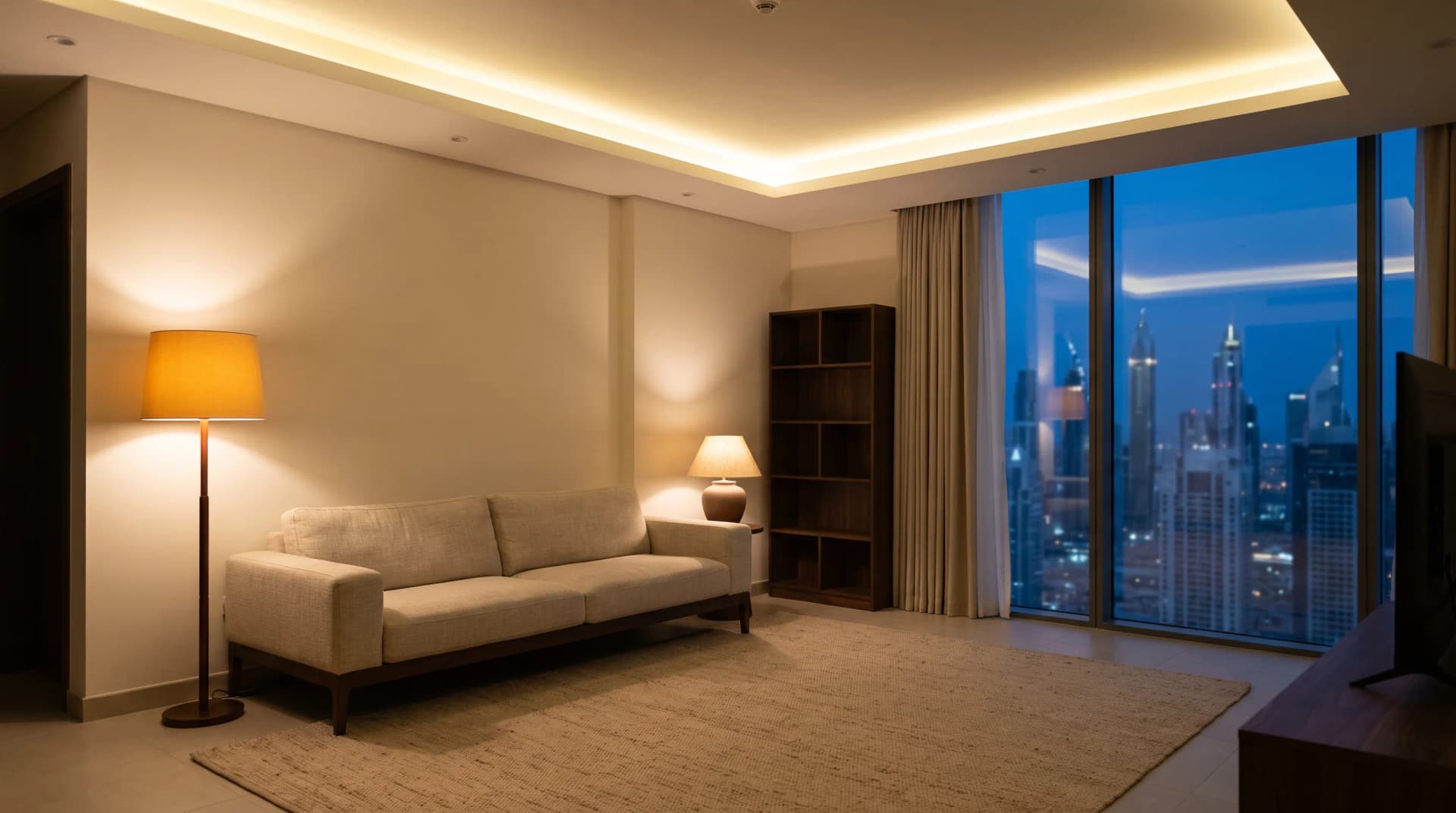
None of those pages are written for someone with a two-bedroom apartment in Marina who wants the living room to stop feeling like a dentist's waiting room at 9pm.
TL;DR: Almost everything sold as AI lighting in Dubai is a schedule, a motion sensor, or a scene you press yourself. Those three things are genuinely worth buying. The one mainstream feature that really reads a room, Hue MotionAware, works by measuring radio signal strength between your bulbs, and there is no AI in it. Buy the sensor and the daylight curve. Refuse the AI surcharge.
What Companies in Dubai Mean When They Say AI Lighting
In our experience quoting against these systems, AI on a Dubai lighting proposal almost always means one of three ordinary things.
The first is a schedule. Your lights change at fixed clock times, or at sunrise and sunset pulled from a calendar. The second is a sensor. A motion or presence detector switches a light when someone walks in, and switches it off after a set delay. The third is a scene: a saved combination of brightness and colour that you trigger yourself, by app or keypad or voice.
All three are useful. We install all three. None of them learns anything, adapts to you, or makes a decision. A schedule that fires at 18:30 fires at 18:30 whether you are in Dubai or in Beirut for the week.
The honest test to apply to any quote: ask what the system would do differently in month six than it did on day one. If the answer is nothing, you are buying automation, and automation is the thing you want. You should not be paying an intelligence premium for it.
The One Feature That Genuinely Reads the Room
Philips Hue MotionAware is the most interesting thing in mainstream residential lighting right now, and it contains no camera, no radar and no artificial intelligence.
Philips describes the outcome simply: "With MotionAware™, your lights switch themselves (or any other Hue lights) on or off when they detect a presence" (Philips Hue, 2026). The mechanism is the good part. It works by "measuring fluctuations in the strength of the Zigbee signals the lights are already sending to each other."
Sit with that for a second. Your bulbs are already chattering to each other over a low-power radio mesh. A body moving through a room disturbs those radio signals in a measurable way. So the bulbs you bought for light become the motion sensor, and you mount nothing on the wall.
That is a genuinely clever piece of engineering, and it is signal processing rather than cognition. What makes it matter to you is the practical result: presence detection in a room with no visible sensor anywhere. That is the objection we field most often from owners of nicely finished apartments.
What MotionAware Needs, and Where It Stops Working
Before anyone quotes you MotionAware, three constraints from Philips' own support documentation decide whether it fits your apartment at all.
It requires specific hardware. Philips states the feature is "available exclusively with the Hue Bridge Pro" (Philips Hue, 2026). An older Hue bridge will not do it, so factor a bridge upgrade into the price.
It needs a minimum number of lights in the room. "To set up a Motion area, you need at least three compatible lights." A single pendant over a dining table cannot sense anything.
And it has two physical limits that Philips publishes plainly. On outdoor use: "Zigbee signals need to bounce off surroundings, making outdoor use less effective." On layout: "Walls between lights can interfere with performance." So a balcony is a poor candidate, and one Motion area cannot span your hallway and your bedroom.
We would rather you knew all three before the invoice than after. A conventional motion or presence sensor remains the right answer in plenty of rooms.
Adaptive Colour Temperature Is a Curve, Not a Brain
The second feature people call AI is lights that change colour temperature through the day. It is real and worth having, and it runs on a curve plotted against the clock.
Apple's version is called Adaptive Lighting, and Apple's own description of the behaviour is one sentence long: "The color is cooler during the day and warmer during the evening" (Apple Support, 2026). Cool white in the middle of the day, warm amber in the evening. Nothing is being inferred about you.
One hardware condition catches people out. Adaptive Lighting needs a home hub on site, an Apple TV or a HomePod, to keep managing those transitions when your phone is off the network. Bulbs alone will not do it.
For a Dubai apartment this matters more than it does in northern Europe. Our day length swings far less across the year, and the sun sits high and hits hard. A fixed cool-white downlight loses badly at both 2pm and 8pm. Getting the evening end of the curve right does more for how the room feels than any feature with AI in the name.
Where AI Actually Sits in Lighting Today
There is one place real language models have arrived in home lighting, and it is in the setting up of your lights rather than the running of them.
Philips added an assistant to the Hue app that writes automations from a plain description. As of version 5.55, "It can now not only switch lights or scenes, but also create automations" (Hueblog, 12 November 2025). Say "Wake me up at 7 a.m. in Room XY" and the app builds the rule for you. One caveat from the same report: the assistant "only works on devices whose language is set to English."
Notice what happened there. The AI wrote a schedule once, and an ordinary schedule ran it from then on. The intelligence sat in the configuration step, where it saved you fifteen minutes of tapping through a menu.
That is a real convenience and we are glad it exists. No mainstream system watches how you live and quietly reorganises your home around it, in Dubai or anywhere else, whatever the proposal says. The same gap between the label and the machinery showed up when we looked at what DEWA's AI actually does for an ordinary apartment.
The Dubai Variables That Beat Any Algorithm
Ask what problem you are solving before you ask what technology solves it. In a Dubai home, the variables that decide whether lighting works are physical, and no amount of processing fixes a badly placed fitting.
Sun angle comes first. A west-facing living room gets punished from about 4pm, and the fix is controlling the glare at the window, not making the ceiling lights cleverer. Then there is layering. One bright ceiling grid on a single switch is the most common problem we walk into, and separate circuits plus three good scenes fix it, not sensors.
Dubai is making this argument at civic scale. The city is spending "Dh80 million" to light "8km" of the historic Creek district, installing "5,000 lighting units" that will be visible "more than 450 metres above ground", with completion in "early 2027" and a stated aim of turning the area into an "exceptional night-time destination" (The National, 5 August 2026). That is a Dubai Municipality project and nothing to do with us. The principle behind it is the whole argument for lighting design at home: light decides whether a place feels alive after dark. Not one of those 5,000 units needs to be intelligent to do it.
What We Tell Clients to Skip
This is the part of the conversation that costs us money, and we have it anyway.
Refuse any line item priced as intelligence with no described behaviour attached. If a proposal says AI lighting control and cannot tell you what the system does in month six that it did not do on day one, that is a markup on a schedule.
Skip AI-branded bulb bundles. The genuinely good features here, the daylight curve and presence detection, come from the platform and the bridge, not from a premium bulb.
Skip whole-home sensing as a starting point. Do one room properly. A living room with three well-built scenes will change your evenings more than sensors in seven rooms.
And if you rent, start with switches rather than fittings. Reversible, takeable, no landlord conversation.
What we would specify for a typical Marina or JLT apartment: separate the ceiling circuit into zones, add dimming, set the daylight curve, build three scenes, and put presence detection in the hallway and the bathroom where it earns its keep. That is a smart lighting job. None of it is AI, and all of it is the thing people were hoping AI would give them.
Frequently Asked Questions
Is AI lighting worth it in Dubai?
The underlying features are worth it, though the label itself adds nothing. Daylight-based colour temperature, presence detection and proper scenes will noticeably change how your home feels, and all three are ordinary automation. If a quote charges a premium specifically for AI without naming a behaviour it adds, decline that line.
Does smart lighting learn my routine automatically?
No mainstream residential lighting system does this today. Schedules, sensors and scenes cover almost everything sold as learning. The closest thing on the market is an assistant that writes an automation for you from a sentence, after which a normal rule runs it unchanged.
What is the difference between smart lighting and AI lighting?
In practice, nothing. Smart lighting means lights you can control and automate. AI lighting is a marketing term applied to the same schedules, sensors and scenes. Ask any supplier to describe the specific decision the system makes on its own, and the distinction usually disappears.
Do I need a hub for adaptive lighting?
Yes, for Apple's Adaptive Lighting you need a home hub such as an Apple TV or HomePod on site, because that device keeps managing the colour transitions when your phone is elsewhere. Hue's MotionAware similarly requires the Hue Bridge Pro rather than an older bridge.
Can I get presence detection without visible sensors?
Yes. Hue MotionAware turns the bulbs themselves into the sensor by reading changes in the Zigbee radio signals between them, so nothing is mounted on the wall. It needs at least three lights in the room, works indoors only, and does not cope with walls between the lights.
Get the Lighting Right First
If someone has quoted you AI lighting and you want a straight read on what is in it, send us the proposal. We will tell you which lines do something and which ones are a schedule with a better name, even where that shortens our own invoice.
Book a free consultation and we will look at your rooms, your orientation and your circuits before we talk about a single product.
Ready to Get Started?
Get a free consultation and we'll recommend what makes sense for your situation.
Get Free Consultation