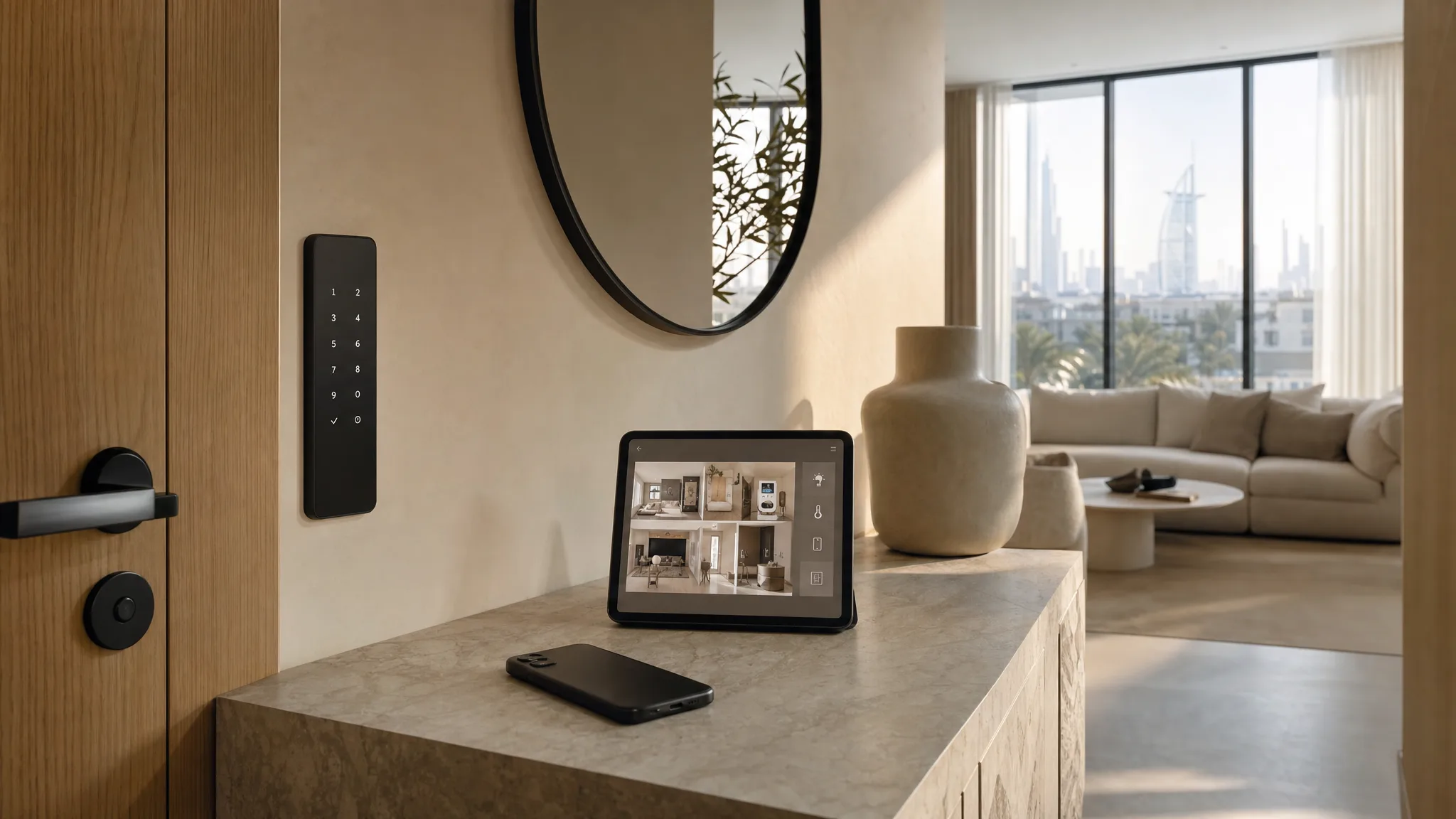
The delivery driver is downstairs, your partner is in the lift with both hands full, and the door will not open. It opens from one phone. That phone is upstairs on charge, face down, in a flat nobody can get into.
Nothing is broken. Every lock, sensor and light in that apartment is working exactly as installed. They are all sitting behind one account, on one device, belonging to one person, and that person is in a meeting.
TL;DR: A smart home is usually built on a single account belonging to whoever set it up. Replace that phone, change that number, or have that person move out, and the house loses its only administrator. Add a second admin on day one, keep the recovery number current, and leave a keypad code and a wall switch that work with no account at all.
We build smart homes across Dubai, and this is the layer we have had to go back and reconstruct after an install instead of reading it off a record. Which accounts run the house, and who holds each one, is the thing worth writing down while everyone still remembers, alongside the rest of what a handover should leave you with. Passwords are the one thing that record should never contain, because a copy of a credential doubles the exposure instead of documenting it. The devices get labelled by everyone. The account layer rarely does.
What One Account Actually Holds
The account is the front door, not the app. It decides who can unlock the lock, who can see the camera, who gets the notification when the water sensor under the sink goes off at two in the morning, and who can add or remove any of it.
In a typical Dubai apartment that account sits on one phone. Someone moved in, set up a lock, added a few lights, connected the AC controller, and every one of those pairings attached itself to the Apple Account, Google Account or vendor login they happened to be signed in to. Nobody decided this. It accumulated.
Apple is explicit about what sharing then grants. Under People in Home Settings, "Control Accessories Remotely: Turn on to allow users to control your accessories from any location" (Apple, 2026). Turn it off and the person you shared with can only operate the house while they are standing in it, connected to your Wi-Fi. That single toggle is the difference between a partner who can let a plumber in and a partner who has to be home to try.
A New Phone Is a New Device to Your House
Your new phone is a stranger to every account the house runs on, and each one will ask it to prove itself before it hands anything over. Apple states the requirement plainly: signing in to your Apple Account for the first time on a new device needs your password plus a six-digit code "automatically displayed on your trusted devices or sent to your trusted phone number" (Apple, 2026).
That is fine on an upgrade day when the old phone is sitting next to the new one. It is not fine when the old phone is at the bottom of a pool, or was handed back to a company, or is the reason you are buying a new one in the first place.
Two smaller things can break on the same day and get blamed on the installer. A same-platform transfer or an encrypted restore usually carries your app permissions across intact. Set the phone up fresh, or move between iPhone and Android, and those permissions start again from nothing: the location access that lets the house know the last person has left, and the notification access that lets the leak sensor reach you at all.
Neither is a fault. Both look exactly like one, and the second one fails silently, which is the worse half.
A New Number Breaks the Recovery Path, Not the House
Losing a number does not stop the house working. It stops you proving who you are to the accounts that run it, which matters on the one day you need to prove it. A new job hands you a company line. A visa changes and an old prepaid number lapses. A lapsed UAE number does not sit politely in a drawer waiting for you, and the six-digit code goes to it anyway.
The safe case is worth knowing so you do not panic about the wrong one. The UAE regulator runs mobile number portability across every consumer prefix, and says 050, 055, 052, 054, 058 and 056 numbers "can be moved from du to Etisalat, and vice versa". There is "no porting fee on the customer", and "For most cases, the process will take less than one working day to port a number" (TDRA, 2026). You get a new SIM. You keep the number, so every recovery code still lands where it always did.
Update the recovery number before you need it, because the platforms build in a delay. Google says that "When you add or change your recovery phone number, it may take up to 7 days for those changes to take effect" (Google, 2026). A week is a long time to be locked out of the account that holds your front door.
The Second Admin You Add Before You Need One
Add a second full administrator on the day the system goes in, not the day you need one. On Apple, that is an invitation sent from the Home app to another Apple Account, with Add and Edit Accessories switched on so the second person can change things rather than only press buttons. On Google, it is an Admin rather than a Member.
Read what Admin means before you hand it out. Google lists it as full control of all people, devices and services, including the ability to "Add and remove other people, including you" and to delete the home outright (Google, 2026). A Member, by contrast, cannot add or remove people, cannot delete the home, and cannot add or share devices.
So the honest version of this advice has two halves. Give full admin to the person who would need to run the house if you could not, usually a spouse or a co-owner. Give everyone else the narrower role, because the fine-grained permission most people want does not exist on any mainstream platform.
When Someone Leaves the Household
Removing a person from the home app does not always remove their control. Apple says so directly: "If you remove someone from your home in the Home app, they might still be able to control accessories. This happens if the person you removed has permission to control accessories in a separate app" (Apple, 2026). The lock you added through the lock manufacturer's own app keeps answering to whoever that app trusts.
This is the quiet failure in a Dubai flatshare, where the person who set everything up is often the first original tenant to leave. The flatmate version of this problem is usually discussed as a key problem, and the keys are the easy half. The app that still opens the door from another emirate is the half nobody audits.
When anyone moves out, work down three lists rather than one. Remove them from the home. Open each device's own manufacturer app and remove them there too. Then delete their door codes individually, which is why a lock with per-person codes is worth the difference over one shared code everybody knows.
If the whole household is leaving, the end-of-tenancy sequence matters in the other direction: factory-reset anything staying with the flat, because a device still bound to your account in someone else's home is a problem for both of you.
What Still Works With No Account At All
The strongest answer to all of this is a house that does not need the account to do its job. A keypad code opens the door when the phone is dead, the data has run out, or the account is mid-recovery. A wall switch turns the light on for a guest who will never be added to anything. A schedule that runs on a local hub keeps cooling the flat whether or not anyone is signed in.
This is part of why we prefer to build on Home Assistant, where accounts are local users on your own hub rather than a vendor's cloud identity. It is not immune, and that is worth saying out loud: the project's own documentation states that "If you lose the password associated with the owner account, you need to start a new onboarding process" (Home Assistant, 2026). Every platform has an owner. The difference is whether the owner is you or a company.
In our experience this is the part of a smart home that surprises people, because it is the part that never gets labelled. Devices get named, scenes get named, and the login that governs all of it lives in one person's head.
The Ten-Minute Version
Do these five things once and most of the article stops applying to you.
- Add a second admin with their own login, not a shared password.
- Check the recovery phone number and email on every account that touches the house, and fix them this week, before a SIM change forces it.
- Set at least one door code that belongs to a person, so it can be deleted without changing everyone else's.
- Write down which accounts run the house and who holds each one, somewhere your partner can reach. Not the passwords.
- Walk the flat once, asking the same blunt question at every device: if this phone disappeared tonight, does this thing still work in the morning?
If the answer is no more than once or twice, the house is fine and the arrangement needs an hour. If the answer is no almost everywhere, you do not have a smart home yet. You have one person's phone with attachments.
Frequently Asked Questions
Can two people have full control of the same smart home?
Close to it, on every mainstream platform. Apple calls it inviting a person and switching on Add and Edit Accessories, though even then "Shared users can't add HomePod, Apple TV, or any AirPlay-compatible smart TVs or speakers to the Home app" (Apple, 2026). Google calls it Admin. Give either level only to someone you would trust with a key cut to your front door, because both of them can hand that key to a third person.
What happens to my smart home if I change my phone number in the UAE?
The house keeps running, because devices answer to accounts rather than to your number. The risk is account recovery. If you port between du and Etisalat you keep the number and nothing changes. If you take a new number, update the recovery number on every account before the old line stops working.
Should everyone in the family get their own smart home login?
Everyone who needs to control something should, rather than sharing one password. Separate logins let you remove one person without resetting the household, and they keep the activity history honest. Children and short-term guests are better served by a door code and a wall switch than by an account.
Can my landlord or installer still access my smart home?
They can if they were ever added and never removed, and removal from the home app alone may not be enough. Check each device's own manufacturer app as well. On an open platform you hold the admin account yourself, which makes this a setting you can see rather than a question you have to ask.
What if I lose access to the account that controls the whole house?
Most platforms will walk you through identity recovery, which takes days rather than minutes. That is why a keypad code, a wall switch and local schedules matter. They keep the home liveable while the account side gets sorted out, instead of turning a login problem into a locked front door.
Building a system you can hand over is a design decision, and it is easier to make at the start than to retrofit. If you want a smart home where more than one person can run the house, tell us about your place and we will set it up that way from day one. You can also see how we approach whole-home automation.
Ready to Get Started?
Get a free consultation and we'll recommend what makes sense for your situation.
Get Free Consultation