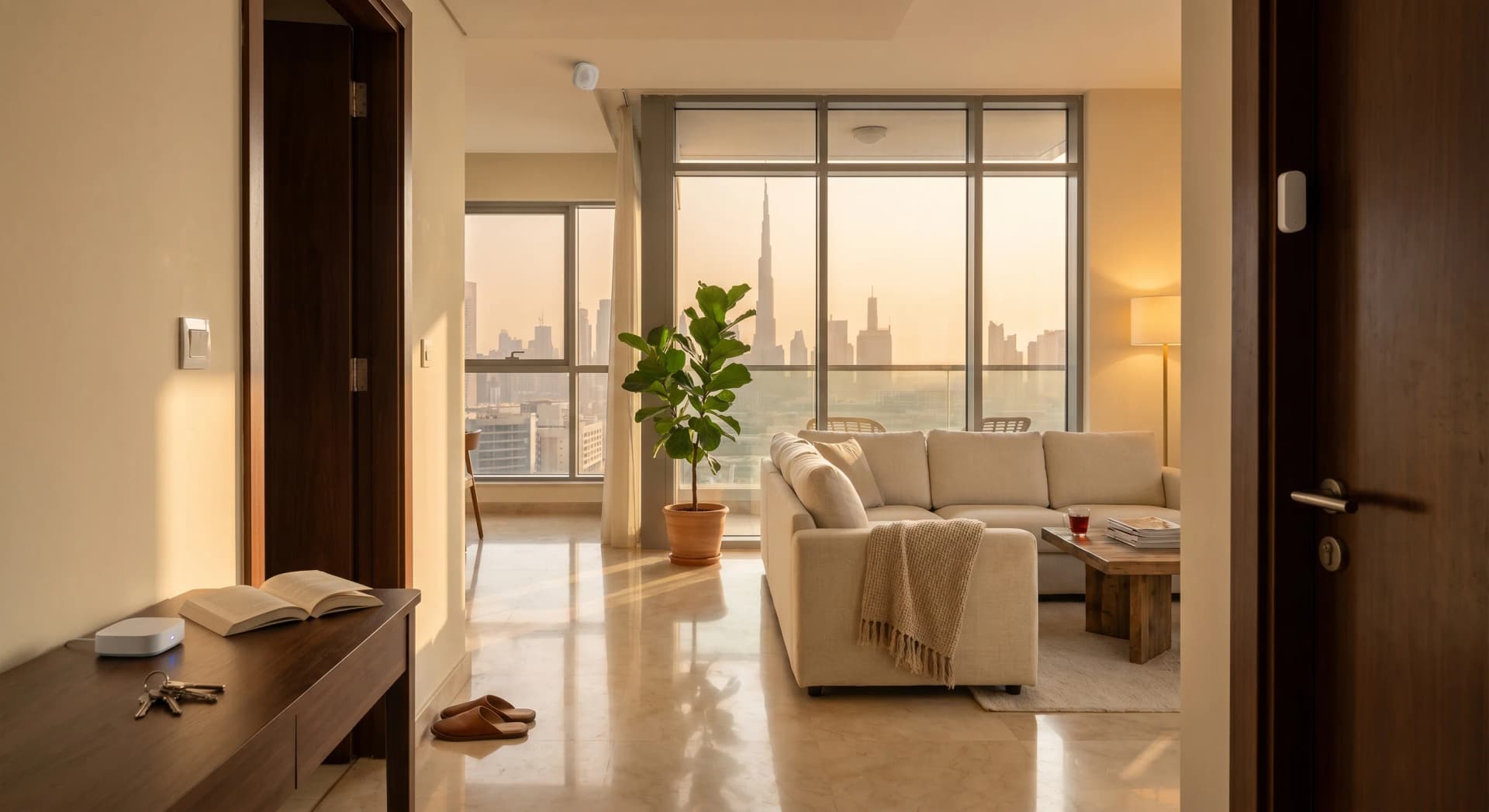
Your phone counts your steps. Your watch knows when you fell asleep last night and when your heart rate spiked. Your car remembers where you parked. Then you walk into your Dubai apartment, and the most aware thing in the room is the fridge light that comes on when you open the door.
That gap is the whole job of the sensor layer. It is the part of a smart home nobody photographs and nobody brags about, and it is the part that decides whether your apartment responds to you or just sits there with a few app-controlled gadgets bolted on. In Dubai, the brand that does that layer well, cheaply, and without locking you in is Aqara. We use it on nearly every install we do.
TL;DR: Aqara is the affordable sensor brand we deploy most across Dubai apartments: motion, presence, door, temperature, and water-leak sensors that make your home aware of what is happening inside it. You need an Aqara hub (from AED 85) for most of the range to talk to Apple Home, Alexa, or Google. Start with a hub plus two or three sensors, add the FP2 presence sensor where motion sensors keep failing you, and skip the cloud lock-in by running it through an open platform.
If you have read our Aqara, Shelly, and Philips Hue comparison, this is the deeper Aqara-only version: the one brand, what it is for, and how to set it up in a rental without a project on your hands.
What Aqara Is For
Aqara makes the sensing layer of a smart home, not the showpieces. Its strength is a wide range of small, reliable, affordable Zigbee devices: motion sensors, door and window contacts, temperature and humidity sensors, water-leak detectors, vibration sensors, and in-wall switches. These are the parts that tell the rest of your home what is going on so it can act without you.
A bulb you control from an app is convenient. A bulb that turns itself on because a sensor noticed you walked into a dark hallway at 11pm is a smart home. Aqara is what makes the second thing happen. The global market for this kind of Zigbee automation was worth around USD 26.45 billion in 2026 and is growing at a 13.6% annual clip (Intel Market Research, 2026), and a lot of that growth is exactly these unglamorous sensors quietly multiplying inside homes.
In our experience, the clients who are happiest with their smart home are the ones who invested in good sensors. The ones who are frustrated bought three smart bulbs and a speaker and wondered why nothing felt automatic.
The Hub Question, Settled
Almost everyone who buys their first Aqara device on Amazon hits the same wall. Most Aqara sensors use Zigbee, which is a low-power wireless standard that does not speak to your phone, your WiFi, or Apple Home on its own. They need an Aqara hub to translate. Buy a motion sensor without a hub and it will sit in the box, useless.
So your first Aqara purchase is almost always a hub. You have three sensible choices in Dubai:
The Aqara Hub E1 is the cheap entry point, available on Amazon.ae from around AED 85. It is a small USB-powered stick that handles a modest number of Zigbee sensors and works with Apple Home, Alexa, and Google. Fine for a one-bedroom with a handful of devices.
The Aqara M200 is the newer pick if Apple Home matters to you. It was built for Matter from day one rather than getting it bolted on later, and it bridges your Aqara Zigbee sensors into Apple Home cleanly (Add to HomeKit, 2026).
The Aqara Hub M3 is the one we reach for on bigger apartments and villas. It speaks Zigbee, Thread, and WiFi at once, acts as a Matter controller and a Thread border router, and connects up to 127 devices (Aqara, 2026). It runs about AED 675 at UAE retailers like Microless. Overkill for a studio, exactly right for a home you plan to grow.
One hub covers a normal apartment. You do not need one per room.
What to Buy First
If you are starting from zero, resist the urge to buy ten sensors. A smart home you actually use grows one automation at a time. Here is the order we recommend for a Dubai apartment.
Start with a hub and two motion sensors. Put one in the hallway and one in the bathroom. The Aqara Motion Sensor P1 runs about AED 139 and lasts on a battery for a long time. Hallway and bathroom lights that turn themselves on at night, then off when you leave, are the automation people fall in love with first.
Add door and window contacts next. A contact on your front door tells your home when you have left so it can drop the AC, and tells you if a window was left open before you ran the air conditioning against the Dubai heat all afternoon.
Then a temperature and humidity sensor in the bedroom, because Dubai humidity is its own problem and a sensor that triggers your AC or dehumidifier when the bedroom climbs past a set point is genuinely useful from June through September. We wrote more about why in our piece on what Matter means for keeping these devices talking to each other.
Last, a water-leak sensor under the kitchen sink and behind the washing machine. It costs almost nothing and it has saved more than one apartment from a quiet leak that would have cost thousands. We cover the full setup, including automatic water shut-off, in our guide to smart water-leak detection for Dubai apartments.
The FP2 Is the One Worth the Splurge
Standard motion sensors have one flaw everyone discovers eventually: they detect motion, not presence. Sit still on the sofa watching a film and after a few minutes the sensor decides the room is empty and kills the lights. Every smart-home owner knows the annoyance of waving an arm at the ceiling to bring the lights back.
The Aqara FP2 Presence Sensor fixes that. It uses 60GHz millimetre-wave radar instead of heat-and-movement detection, so it can tell that you are in the room even when you are sitting perfectly still. It covers about 40 square metres, around 430 square feet, and you can carve that space into up to 30 zones, each triggering its own automation, while tracking up to five people at once (Aqara, 2026).
One thing clients always ask about is the fall-detection feature, and it is real. Mounted on the ceiling, the FP2 watches for the signature of a fall, a sudden vertical movement followed by at least 30 seconds of stillness, and fires a separate alert (Aqara, 2026). For a parent living alone, or a grandparent's room in a household spanning three generations, that is worth far more than the price of the sensor. The FP2 is stocked locally at Sharaf DG and a handful of other UAE retailers.
It costs more than a basic motion sensor and it needs a USB power cable rather than a battery, so it is not the thing you scatter around. Put it in the rooms where you actually sit still: the living room and the home office. That is where it earns its money.
Aqara, Apple Home, Alexa, and Home Assistant
Aqara plays well with all the big platforms, which is one reason we trust it. The catch is that the path runs through the hub. Your Aqara sensors talk Zigbee to the hub, and the hub exposes them to whatever ecosystem you use.
For Apple households, the Hub M3 or M200 bridges your Aqara devices into Apple Home over Matter, so your sensors show up alongside the rest of your HomeKit setup (Add to HomeKit, 2026). For Alexa and Google homes, the standard Aqara hubs handle the connection out of the box.
For the open-platform approach we prefer, there are two routes. You can let the Aqara hub act as a Matter bridge into Home Assistant, or you can skip the Aqara hub entirely and pair the Zigbee sensors straight into Home Assistant with a small Zigbee USB stick (Home Assistant, 2026). That second route is how we keep clients off Aqara's cloud, running everything locally and instantly inside their own home, which we explain in why we picked Home Assistant. If your internet drops, your hallway lights still work. That matters in Dubai more than people expect.
What to Skip
Honesty saves people money, so here is what we tell clients to leave out.
Skip buying a hub for every room. One hub handles a normal apartment. Mesh extends itself as you add mains-powered Aqara devices like switches, which repeat the Zigbee signal.
Skip the Aqara cloud as your only path. If you set everything up purely inside the Aqara app and the cloud, you are renting your own home from a server in another country. Run it through an open platform so it survives a company changing its mind. This is the whole reason we lean Aqara over a closed cloud brand, which we lay out in our Aqara vs Google Nest comparison for a Dubai apartment.
Skip the expensive sensors in rooms where a cheap one does the job. You do not need an FP2 in a guest bathroom. A AED 139 motion sensor is perfect there. Spend the radar money where you sit still.
And skip the all-at-once buildout. We have walked into too many apartments with a drawer full of unused smart devices someone bought in one excited afternoon. Two sensors you use beat ten you forgot about.
What an Aqara Apartment Costs
A real, useful Aqara setup for a Dubai apartment is not expensive, which is the point of the brand. Here is roughly what the layers cost at UAE prices.
A starter sensor kit, meaning a hub plus a few motion and door sensors, lands somewhere around AED 500 to AED 900 depending on the hub you pick and how many sensors you add. That alone gets you automatic hallway and bathroom lighting, AC that reacts to you leaving, and leak protection.
Add the FP2 presence sensor for the living room and office, smart wall switches at around AED 249 each where you want proper buttons instead of bulbs, and a temperature sensor in the bedroom, and a thorough single-bedroom setup sits in the low thousands of dirhams in hardware.
If you would rather not assemble it yourself, our Smart Home Starter begins at AED 3,000 installed, configured, and tested, with the sensor layer set up properly inside an open platform and every automation explained to you before we leave. We do the part that is fiddly: getting the sensors placed right, the zones drawn, and the whole thing reacting the way you live rather than the way a default app assumes you do. For the bigger picture across lighting, climate, and security, see our home automation service, and for the sensor-and-lock side specifically, our home security work.
Frequently Asked Questions
Do I need an Aqara hub to use Aqara sensors?
For most Aqara sensors, yes. They use Zigbee, which does not connect to your phone or WiFi directly, so a hub translates the signal to Apple Home, Alexa, Google, or Home Assistant. The Aqara Hub E1 starts around AED 85 on Amazon.ae. One hub covers a normal Dubai apartment.
Does Aqara work with Apple HomeKit in the UAE?
Yes. Aqara bridges its Zigbee sensors into Apple Home over Matter using the Hub M3 or the newer M200, which was built for Matter from day one. Once the hub is set up, your Aqara sensors appear in the Apple Home app alongside your other HomeKit devices and work in automations.
Can I install Aqara in a rented Dubai apartment?
Yes. Most of the range is renter-friendly: battery motion sensors, stick-on door contacts, and a USB-powered hub need no wiring and no landlord approval. They peel off cleanly and move with you. In-wall switches do touch wiring, so leave those for owned homes or get them installed professionally.
What is the difference between the Aqara P1 motion sensor and the FP2?
The P1 detects movement, so it can switch off lights when you sit still for a few minutes. The FP2 uses millimetre-wave radar to detect presence, so it knows you are in the room even when you are not moving. Put the cheaper P1 in hallways and bathrooms, and the FP2 where you sit still, like the living room.
Is Aqara reliable enough for a whole Dubai home?
For the sensor layer, yes, and it is our default choice for that job. Its Zigbee devices are dependable and mesh together as you add mains-powered units. For a whole home we pair Aqara sensors with an open platform like Home Assistant so everything runs locally and survives internet drops and company changes.
Aqara is the quiet half of a smart home, the part that turns a few connected gadgets into a place that actually pays attention to you. Get the hub right, start with two or three sensors, and add the FP2 where motion sensors keep letting you down. Tell us about your apartment and we will tell you exactly which sensors are worth it for the way you live, and which ones to skip.
Ready to Get Started?
Get a free consultation and we'll recommend what makes sense for your situation.
Get Free Consultation