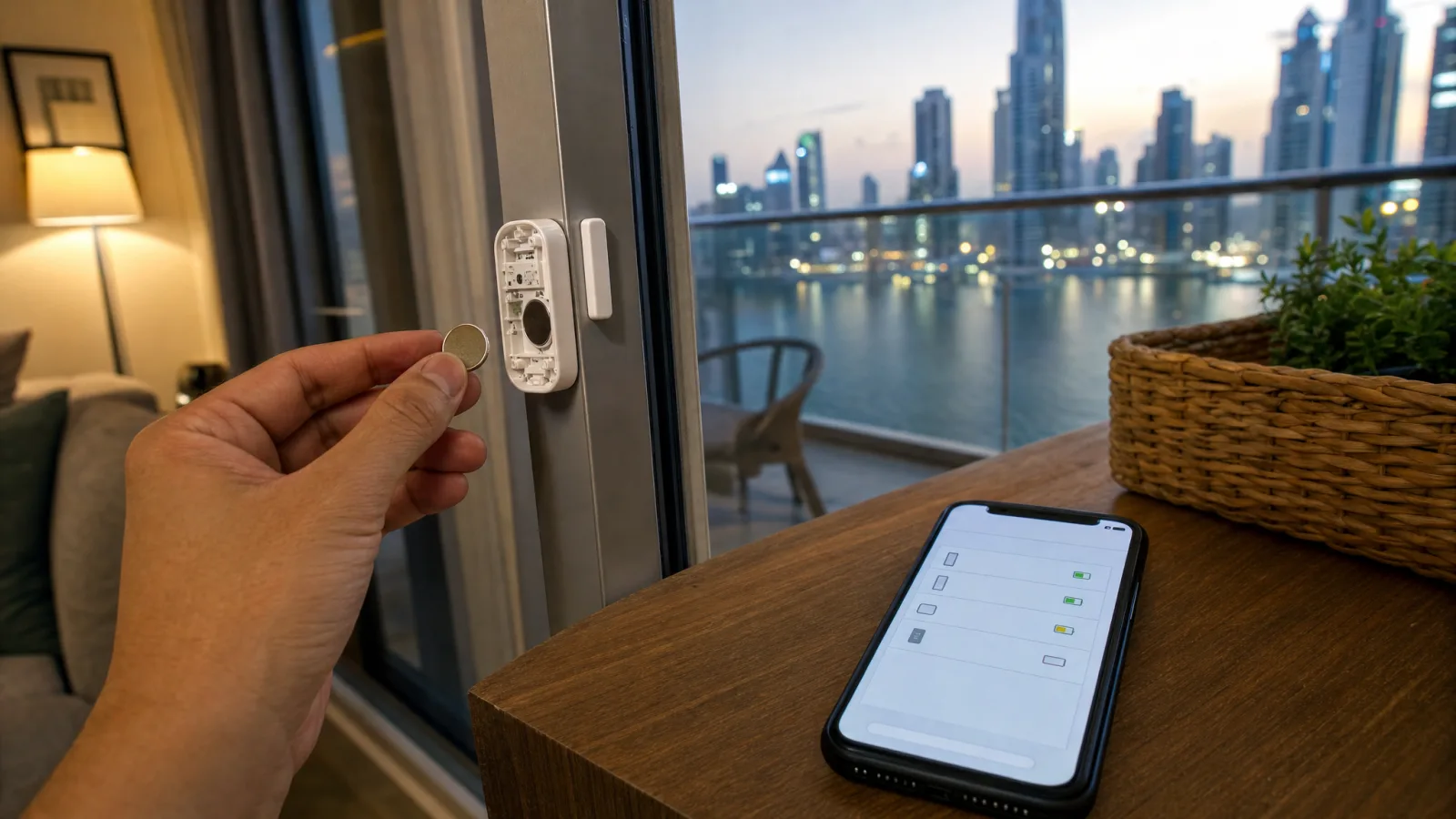
If the hallway light has stopped coming on when you walk in, or a door sensor's history in the app ends a few weeks ago, check the battery before anything else. A battery sensor whose cell is running down tends to stop reporting rather than send a warning, and the automation it fed simply doesn't run.
That makes it worth knowing which of your devices run on batteries, and setting things up so you hear when one goes quiet.
Walk the Flat and Write the List
It's easy to have more battery devices than you remember. The usual ones:
- Door and window contacts, on the front door, balcony doors and sometimes the windows.
- Motion and presence sensors, unless they are plugged in. Some presence sensors take USB power instead.
- Leak sensors under sinks, behind the washing machine and next to the water heater.
- Temperature and humidity sensors.
- Wireless switches and remotes, such as a stick-on dimmer by the bed.
- The smart lock. Some run on a rechargeable pack rather than disposable batteries, and our smart lock guide covers what happens when it runs low.
Write the room, the device and the model number for each one. You'll need the model number to buy the right battery.
Check the Model, Then Buy the Battery
Two devices with the same name can take different cells. Philips says the old Hue dimmer switch, the one with separate on and off buttons, used a CR2450, while the current dimmer, the smart button and the tap dial switch all take a CR2032 (Philips Hue). The coins look alike in a shop, but a CR2450 is wider, so the wrong one won't fit the holder.
Aqara lists a CR1632 for its door and window sensor, model MCCGQ11LM (Aqara). That's a smaller coin again, and not one every supermarket keeps.
Buy one spare of each type on your list and keep them together with the list, in a cupboard small children can't reach. Children's Hospital of Philadelphia treats a swallowed button battery as a medical emergency, and its advice includes keeping spare batteries out of reach and taping shut battery compartments (CHOP).
After You Swap a Cell
Put the old cell straight into that cupboard rather than on the counter, and close the device's cover before you test it.
Then make the device do its job: open the door, walk past the motion sensor or press the switch, and check that the app logged it. Don't wait for the battery figure to update. If nothing registers, the device may have dropped off its hub and need adding again in its app.
Where to See the Battery Level
- Philips Hue. Philips says the Hue app gives details about the expected lifetime of the current batteries in its switches (Philips Hue). Open the switch in the app and look there.
- Home Assistant. The Maintenance dashboard gives an overview of every battery that needs attention, without you building anything (Home Assistant).
- Other hubs and apps. Open each device's settings page and look for a battery or power line. If there isn't one, that device won't warn you, and the monthly check further down is the only warning you'll get.
Don't read too much into a percentage. The Zigbee2MQTT notes for that Aqara door sensor say its battery figure can take up to 24 hours to be reported, and that low battery voltage can knock the sensor off the network: "this can even happen when the battery still appears full" (Zigbee2MQTT).
Alerts in Home Assistant: Low Battery and Gone Quiet
This part is for homes running Home Assistant. If your devices live in a brand app with no alert setting, skip to the monthly check.
For a low battery, Home Assistant has two triggers. Battery became low works on devices that report a simple low or OK state, and Battery level crossed threshold is the one for devices that report a percentage (Home Assistant). Either can watch a whole room, or a label you put on every battery device, and send a notification to your phone.
A sensor whose battery has died outright won't trip either of these. Home Assistant's own battery tutorial builds a morning list of low batteries, and it notes that the list skips devices that are unavailable, which "might indicate a completely dead battery". Its suggestion is a second list for offline devices.
In Home Assistant's ZHA integration, how fast a silent device shows as unavailable is one setting for the whole network. Under Settings > Connectivity > Zigbee > Options, a battery-powered device with no activity is marked unavailable after 21,600 seconds by default, which is six hours. Home Assistant suggests raising it for sleepy sensors, such as door or temperature sensors, that only report when triggered, and lowering it if you want to hear sooner when a battery runs out (Home Assistant ZHA).
A simple rule: if a working sensor keeps showing as unavailable, raise the number. Then add a notification for any battery device that goes unavailable, alongside the low-battery one.
The Monthly Check
A leak sensor behind the washing machine only matters on the one day there's water, and a sensor on the spare room's window only matters when that window opens. You won't find out these have gone quiet by using them.
Once a month, go down your list. Open each device in the app and look at when it last reported, or trigger it and check the app logged it. Our leak sensor guide explains why this matters most for those, and our door and window sensor guide covers how the contacts work.
Mind the Temperature Rating Outdoors
Philips rates the Hue dimmer switch from 0°C to 40°C, and Aqara rates its door and window sensor from -10°C to 45°C. In NOAA's 1974 to 1991 record for Dubai International, the average daily high was 40.6°C in July and 40.4°C in August (NOAA NCEI, station 41194).
On a typical July or August afternoon, then, a Hue dimmer on a terrace wall or in a garage without AC is past its rated range. Keep those switches indoors, and check the rating on anything you plan to fit outside.
Can't Match a Model to a Battery?
Send us the model name and we'll tell you which cell it takes. On the systems we build on Home Assistant, which runs locally in your home, the low-battery and gone-quiet alerts above are both available.
Ready to Get Started?
Get a free consultation and we'll recommend what makes sense for your situation.
Get Free Consultation