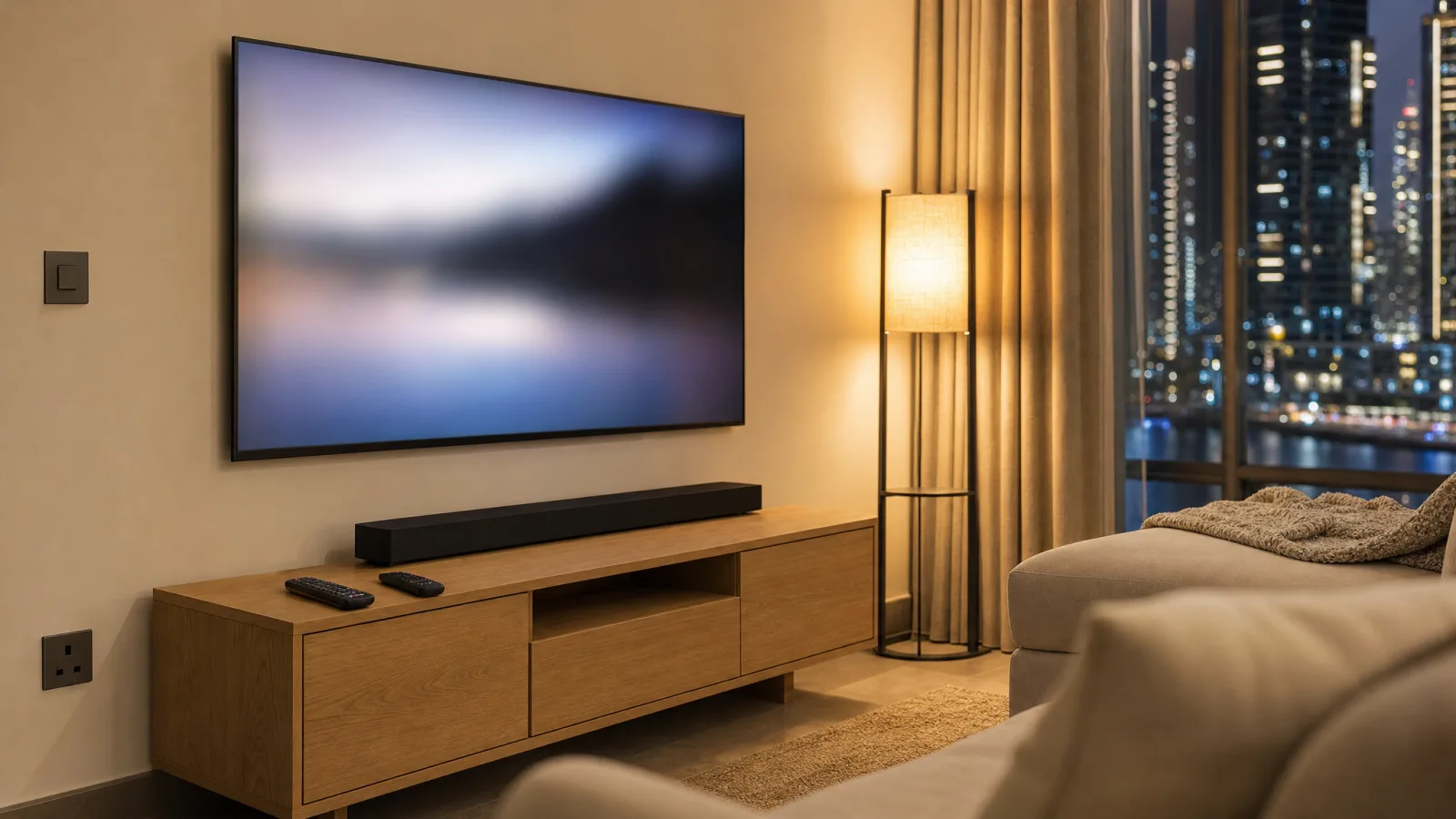
You plug the soundbar into the TV, the sound comes out of it, and then you're living with two remotes. One turns the TV on. The other wakes the soundbar and changes its volume.
If you rent a furnished flat in Dubai, the TV probably came with it, and its settings are whatever the landlord or the last tenant left. The fix is usually a TV setting called HDMI-CEC, plus the right HDMI port. Each brand gives the setting its own name, often with "CEC" only in brackets after it, so a quick scan of the menu can miss it.
First, Look at the Cable
Check the back of the soundbar before you open any menu. If it's connected to the TV with an HDMI cable, carry on. If the port it's plugged into says optical or digital audio, skip to the optical section further down. If there's no cable at all because it pairs over Bluetooth, the menu steps below won't help, so go to the last section.
Why the Sound Works but the Remote Doesn't
One HDMI cable between a TV and a soundbar can do two jobs. ARC (Audio Return Channel) sends the TV's sound to the soundbar. CEC (Consumer Electronics Control) carries commands like power on, power off and volume.
So when the soundbar plays the TV's sound and still ignores the TV remote, the sound link is working and the command link is switched off somewhere, on the TV or on the soundbar. It can also run the other way, since "many TVs require CEC ON for ARC to work" (Roku).
Find HDMI-CEC Under Your TV Brand's Name
The setting often ends in Link or Sync. These are the common ones (Apple Support):
- LG: SimpLink
- Philips: EasyLink
- Samsung: Anynet+
- Sharp: Aquos Link
- Sony: BRAVIA Sync
Where to find it on the big three (Roku):
- Samsung: Settings > All Settings > Connections > External Device Manager, then turn on Anynet+.
- LG: Settings > General > SIMPLINK (HDMI-CEC), then Sound > Sound Out > HDMI ARC.
- Sony: Settings > Watching TV > External Inputs > BRAVIA Sync settings.
Model years move things around, so treat these as a starting point. On Samsung and LG, switch CEC on first. A Samsung turns ARC on by itself once Anynet+ is on, and an LG won't use HDMI ARC until SIMPLINK is on (Amazon).
Brand not on the list? Plenty of TVs run Google TV, Android TV or Fire TV software, and those often share menus across brands. On Google TV and Android TV it's Settings > Inputs or External devices control > Control Other Devices (CEC). On a Fire TV it's Settings > Display & Sound > HDMI-CEC Devices. Otherwise, look through Settings for anything ending in Link or Sync, or called HDMI Control or CEC. If that finds nothing, search your TV's model number with "CEC". Most TVs show the model number in Settings under Support or About.
Check the Port and the Sound Output
Most TVs only carry ARC on one HDMI input, and it's labelled ARC or eARC (eARC is the newer version, built for higher-quality audio formats, per the HDMI Licensing Administrator). The soundbar needs to be in that one. Then set the TV's sound output to HDMI ARC, or eARC if that's what you have.
On the soundbar end, use the port meant for the TV. Samsung's and LG's guides call it HDMI OUT. On a Samsung, press Source until the soundbar shows D.IN, and after a couple of seconds it switches itself to TV ARC (Samsung).
If the TV is on the wall, you probably don't need to touch it. Some TVs show "ARC" next to the input name on the on-screen source list. If yours doesn't, hold your phone behind the TV with the torch on and take a photo of the ports. Don't take a mounted TV off its bracket to read a label. If the ports really can't be reached, that's a job for whoever fitted the mount.
The soundbar may have its own switch too. On a Samsung, hold the WOOFER button on the soundbar's remote until "ON - TV REMOTE" shows on the soundbar's display (Samsung). Some other makers put a setting like HDMI Control or CEC in the soundbar's menu or app, and the manual will tell you whether yours has one.
How to Tell It's Fixed
Run these three checks:
- Turn the TV off with the TV remote. The soundbar should switch off with it.
- Turn the TV back on. The soundbar should wake and play the TV's sound.
- Press volume on the TV remote. The soundbar's volume should change.
If all three work, stop there.
When It Worked Last Week and Stopped
CEC can drop out after a power cut, a software update, or someone moving cables around. Switch off the TV, the soundbar and everything else plugged into the TV at the wall socket, and leave them for about a minute. Power up the TV first, then the soundbar, then the rest (Roku).
If an AV receiver (the amplifier box some setups run everything through) sits between the TV and your other devices, try plugging them straight into the TV. Roku also says some CEC and ARC faults are fixed by a TV software update, so look for one in the TV's settings before you blame the soundbar.
If the Soundbar Is on an Optical Cable
An optical cable carries sound only. CEC runs over HDMI, and Samsung says its own version, Anynet+, works "exclusively via HDMI" (Samsung). So on optical the TV can't send the soundbar a power command down the cable.
Some pairings work around it. Samsung soundbars have Auto Power Link, which works only over optical, is on by default, and switches the soundbar on and off with the TV. A Samsung TV remote can also set the volume and mute "with either an optical cable or HDMI via ARC" (Samsung). Not every TV and soundbar does this, and your soundbar's manual says whether yours does.
If both the TV and the soundbar have an ARC port, moving from optical to HDMI is the cleaner fix.
If Nothing Here Worked
Some soundbars have no HDMI port at all, and some don't respond to CEC however the TV is set. For those, the main options are an IR blaster that sends the soundbar its commands directly, the same way it sends a code to your AC (how an IR blaster works), or a soundbar with HDMI ARC. If it's the Apple TV remote that won't change the volume, its own setting is under Remotes and Devices > Volume Control, where Auto is the choice Apple suggests in most cases (Apple TV User Guide).
A one-tap "movie" scene leans on the same link. With CEC working, the scene only needs to switch the TV on, and the soundbar usually comes on with it. An IR blaster can stand in when CEC won't, but it sends a command without checking whether it landed, so if the soundbar's power button is a single on/off toggle, the blaster can't tell whether it's turning it on or off.
So get CEC working first where you can. Our smart TV setup guide shows where a blaster fits next to a streaming box, and our comparison of soundbars, AV receivers and in-ceiling speakers helps if you're still choosing the audio side.
If you'd rather have one remote without the menu hunt, tell us what's plugged into your TV and we'll suggest where to start.
Ready to Get Started?
Get a free consultation and we'll recommend what makes sense for your situation.
Get Free Consultation