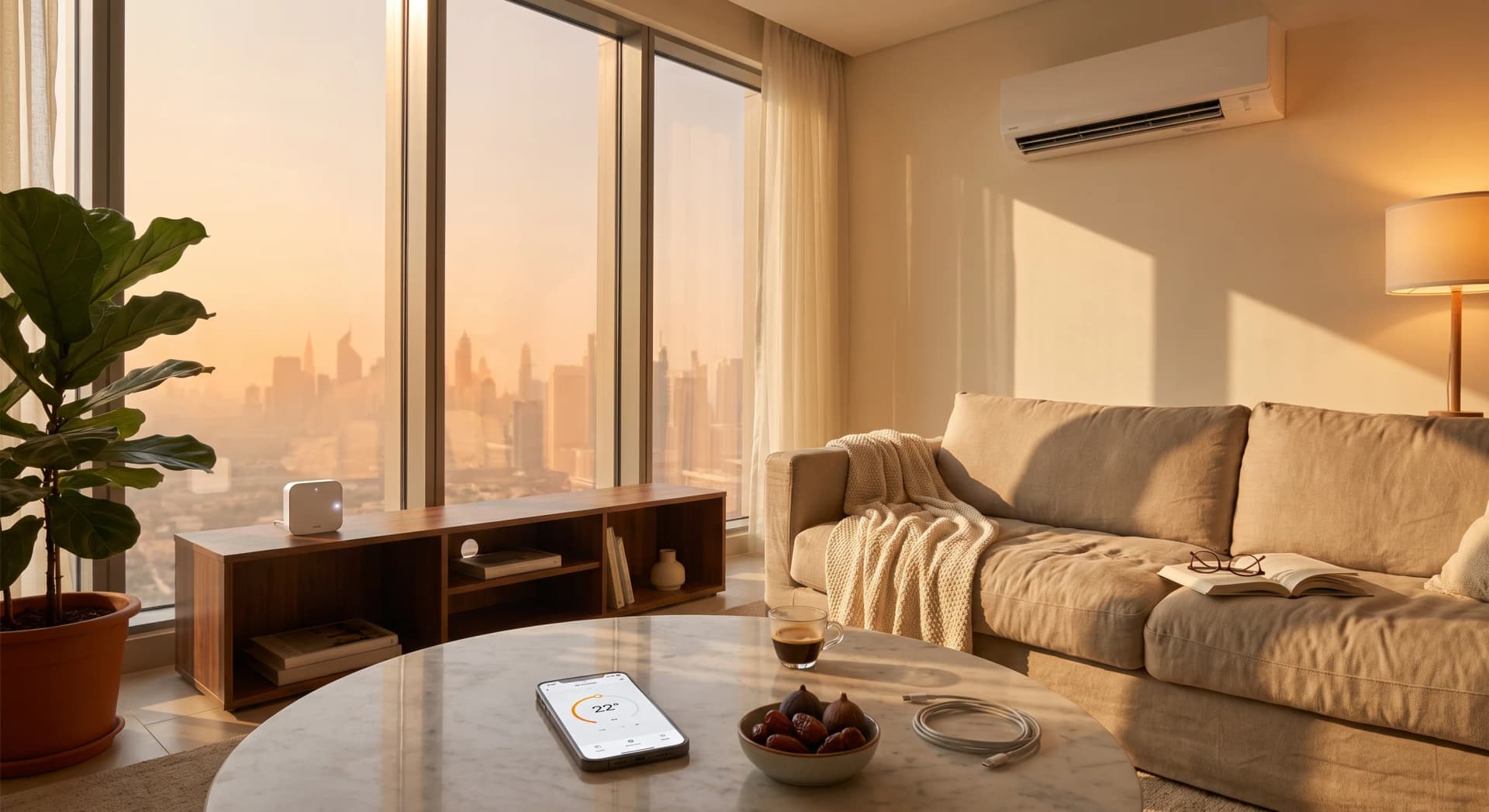
You set the AC to 22 from your phone on the way home. You walk in, it is cool, good. Later someone in the house grabs the old remote off the sofa and knocks it up to 25 because they were cold. Now your app still says 22, the wall says 25, and the room is doing whatever the last button press told it to do. Nobody is lying. The app and the remote just stopped agreeing.
That gap is not a fault in the device. It is the single most useful thing to understand about a smart AC controller, because once you know why it happens, you know where to put one, what it can and cannot do, and what no amount of app polish will fix.
TL;DR: A smart AC controller is a small box that sits near your indoor unit, learns the infrared codes from your existing remote, and then pretends to be that remote. When you tap the app, it fires the same invisible light pulse the remote fires, and the AC obeys. It works with almost any split AC, plugs in with no wiring, and takes about 15 minutes to set up. The catch: a basic one is fire-and-forget, so it can lose track of the AC if you use the old remote, and it only knows the real room temperature if it has its own sensor.
What the Controller Is
A smart AC controller is a small box, about the size of a deck of cards, that sits in the same room as your indoor AC unit and plugs into a normal wall socket. Inside it are two things that matter: an infrared transmitter (the "blaster") and a WiFi radio. Popular ones in Dubai are Sensibo, Tado, Cielo, and the Aqara P3.
It does not replace anything. It does not touch the AC's wiring. It sits on a shelf and talks to your air conditioner the exact same way your handheld remote does, through a beam of invisible light. Your phone talks to the box over WiFi, the box talks to the AC over infrared, and the AC never knows a gadget was added.
Infrared Is Just Invisible Light, Pulsed Fast
Your AC remote has a tiny LED at the tip. When you press a button, that LED flashes on and off thousands of times a second, in a pattern that spells out your command. You cannot see it because it is infrared, a colour of light past red that human eyes miss. Your phone camera can see it, though. Point your remote at your selfie camera and press a button, and you will see the tip flicker.
That flashing runs at a specific speed, usually 38,000 times a second, or 38 kHz (Mbed, 2024). There is a good reason for that exact number. Dubai apartments are full of sunlight pouring through big windows, and sunlight carries plenty of infrared. The AC's receiver is tuned to only listen for light pulsing at 38 kHz, so steady sunshine gets ignored and only a real remote signal gets through. It is a noise filter, built into every AC in your home.
Why It Has to See the AC
Infrared needs line of sight. The pulse of light travels in a straight line, and if something solid is in the way, the signal does not arrive. The practical range is only around 10 metres, in a cone of roughly 60 degrees off the front of the emitter (Alibaba Electronics, 2024). A strong signal can bounce off a wall or ceiling and still land, which is why your remote sometimes works when you are not quite pointing it, but you cannot count on a bounce.
This is the first thing that decides whether your controller works well. In our experience setting these up across Business Bay and Marina apartments, the controller has to be able to "see" the indoor unit's little dark receiver window. A box tucked inside a cabinet, behind a curtain, or on the far side of a wall from the split head will drop commands. A box on an open shelf on the same wall as the unit, or on the wall it faces, is reliable. Keep it out of direct sun too, both because that is a weak spot to transmit from and because its own temperature reading will run hot.
Learning Your Remote
The clever part is how the box knows what to say. Every AC brand uses its own infrared language, and there are thousands of them. Sensibo alone has a library of over 10,000 AC models (Sensibo, 2026). During setup you tell the app your AC brand, it loads the matching code set, and from then on the box can send "cool, 22, fan low, swing off" as one infrared burst.
If your unit is old or off-brand and not in the library, there is a fallback every good controller has: a learning function. You point your physical remote at the controller and press each button one at a time, and the box records the raw signal for each command (LinknLink, 2026). It is copying your remote, key by key. After that it can replay any of them on command. This is why a controller can work with a fifteen-year-old O General split that no app has ever heard of.
The Reason the App and the Remote Fall Out of Sync
Here is where the opening story gets its answer. A TV remote is simple: "volume up" always sends the same signal, and the TV counts it. AC remotes work differently. Almost every AC remote sends its entire state, mode, temperature, fan speed, and swing, all at once, on every single press (Tasmota, 2025). Press the temperature up once, and the remote does not send "warmer by one." It sends the full new picture: "cool, 23, fan low, swing off."
They do this on purpose. If the remote only sent the button you pressed, its little screen would slowly drift away from what the AC is doing. Sending the whole state every time keeps the remote and the unit agreed (Tasmota, 2025).
A basic smart controller is fire-and-forget. It sends a full-state burst and assumes the AC received it. It never checks. So the moment a person picks up the old handheld remote and changes something, the controller has no idea. Its stored picture says 22, the real unit is now at 25, and the app is confidently wrong. Some brands like Whirlpool and Airwell make this worse with a "toggle" power signal, where the same code means "turn off if on, turn on if off," so a single missed command flips everything backward (Depau, 2021).
The fix is a controller that can listen as well as talk. Better controllers include an infrared receiver, not just a blaster, so they can see the physical remote's signal and update their own picture to match (Home Assistant Community, 2024). One thing clients always ask is whether they have to give up the old remote. You do not, if you pick a controller that syncs. It watches the remote and keeps up. A cheaper blaster-only unit needs everyone in the house to agree to use the app.
It Does Not Know the Real Temperature
This is the limit that surprises people most. When you set 22, you assume the AC cools the room to 22 where you are sitting. It does not. The AC's own temperature sensor sits inside the indoor unit, up near the ceiling, where the air is always warmest. So the unit thinks it has hit 22 while the sofa is still at 25, and it eases off too early. In a hot Dubai flat that difference is real, and it is why "22 on the remote" so rarely feels like 22.
A bare infrared blaster cannot fix this, because all it can do is replay remote presses. It has no idea what the room feels like. This is the line between a phone remote and real climate control. To hold a comfortable temperature where people sit, the controller has to read the room itself. Sensibo units have accurate temperature and humidity sensors built in, and the Air Pro adds an air-quality sensor (Sensibo, 2026). The Aqara P3 controls the AC by infrared and also works as a Zigbee hub, and it ships with a separate temperature sensor you place where you sit (HomeKit News, 2021). With a sensor in the loop, the controller can watch the actual room and keep firing "cool, 22" bursts until the space where you live, not the ceiling, reaches the number you asked for.
Humidity matters here too. Dubai summers are humid, and a room can read a comfortable temperature and still feel sticky. A controller that tracks humidity, not just degrees, can run the AC to a real-feel target instead of a number that lies.
What You Get Once It Is In
With the box learning your remote and reading the room, your phone becomes the remote that is never lost in the sofa. You get schedules, so the bedroom starts cooling before bedtime instead of at bedtime. You get temperature and humidity triggers, so the AC reacts to the actual room. You get one tidy history of how the unit runs. You get voice, through Alexa, Google Home, or Apple HomeKit. And yes, it will switch the AC off automatically when the last person leaves and start it before you are back, which is where the lower bills come from, though the comfort is the part you notice every day.
None of this requires an electrician. A plug-in controller goes in during a single visit, in about 15 minutes, with no drilling and no changes to the flat (Barajeel, 2026). If you rent, you unplug it and take it with you. That is why the smart AC controller is the first upgrade we suggest for most renters in Dubai. It solves the most-felt problem, cooling, and touches nothing you would have to restore when you move.
What Bayora Will Talk You Out Of
We will happily talk you out of the wrong version of this. If your home runs on a central system with a wall thermostat instead of a split with a handheld remote, an infrared controller is the wrong tool, and a smart thermostat is what you want, because there is no remote for a blaster to imitate. If you only care about turning the AC on before you get home and nothing else, the cheapest blaster-only controller is enough, and there is no reason to pay for the sensor model. And if a room already has a decent temperature sensor from another part of your smart home, we would rather use that than sell you a second one.
When we set up a two-bedroom in Business Bay recently, the client assumed they needed a controller in every room. They did not. The living room and the main bedroom carried the whole comfort story. Two boxes, not four, and the bill was smaller for it. That is the honest version of this upgrade, and it is the only one worth buying.
Frequently Asked Questions
How does a smart AC controller actually work?
It sits near your indoor unit, learns the infrared codes from your existing remote, and then impersonates that remote. When you tap the app, the controller fires the same infrared light pulse your remote would, and the AC responds. Your phone talks to the box over WiFi, and the box talks to the AC over infrared.
Does the smart controller replace my AC remote?
No. It copies your remote and adds an app on top. You can keep using the physical remote, but only if you pick a controller with an infrared receiver that syncs. A cheaper blaster-only unit does not watch the remote, so using both can leave the app showing the wrong settings.
Where should I place the controller in my apartment?
Somewhere with a clear line of sight to the indoor unit's receiver window, usually an open shelf on the same wall as the split head or the wall it faces. Keep it out of cabinets, out from behind curtains, and out of direct sunlight, which weakens the signal and skews its temperature reading.
Does it work with any air conditioner?
Almost any split AC with an infrared remote, regardless of brand or age. Controllers carry libraries of thousands of AC models, and if yours is not listed, a learning function copies your remote key by key. It does not work with central systems controlled by a wall thermostat, which have no remote to imitate.
Why does the app sometimes show the wrong temperature?
Because a basic controller sends commands and assumes they worked without checking. If someone changes the AC with the physical remote, a blaster-only controller never sees it and its stored settings drift out of sync. Controllers with an infrared receiver avoid this by watching the remote and updating themselves.
Want to know which controller fits your flat, or whether you even need one? Tell us about your home and we will give you an honest recommendation, no obligation and no surprises.
Ready to Get Started?
Get a free consultation and we'll recommend what makes sense for your situation.
Get Free Consultation