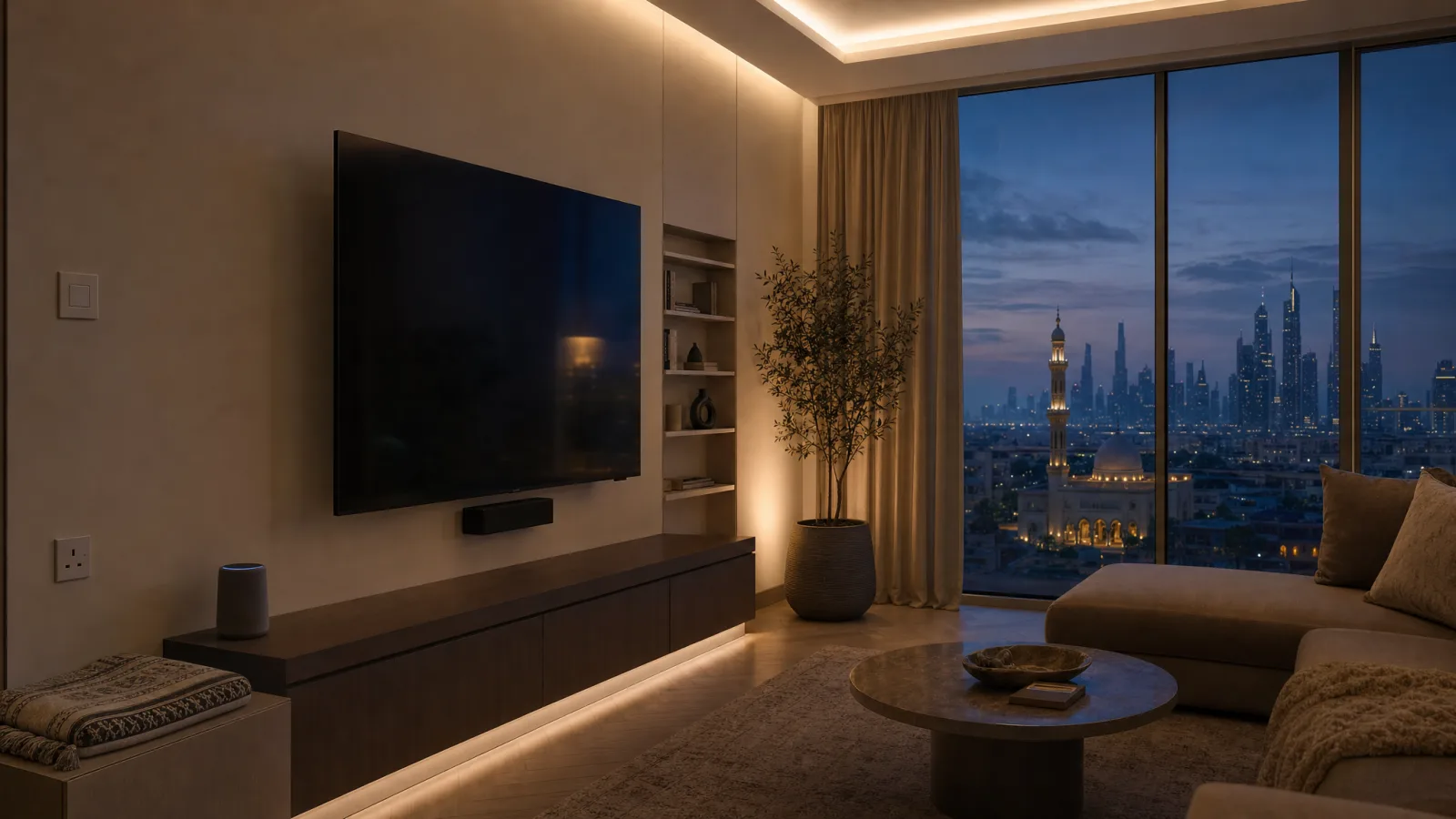
Home Assistant has a built-in Islamic Prayer Times integration that adds the day's Fajr, Dhuhr, Asr, Maghrib and Isha times as sensors, so lights, the TV or a speaker can follow them. In a Dubai home, change one setting before you build anything on it. Unless you choose otherwise, it calculates with the Islamic Society of North America method (Home Assistant), and that puts Fajr and Isha around fifteen minutes away from the official Dubai timetable.
How Far Off the Default Is
The methods differ mostly in how low the sun has to be before Fajr begins and Isha starts: 15 degrees below the horizon for the North American method, 18.2 for the Dubai method, which also adds three minutes to Dhuhr and Maghrib (the calculation library Home Assistant uses).
We ran that library, at the version Home Assistant 2026.11.2 ships, for a flat in Business Bay on 17 November 2026 and set the results beside the timetable published by Dubai's Islamic Affairs and Charitable Activities Department (IACAD) for the same day:
| IACAD timetable | Home Assistant, Dubai method | Home Assistant, default | |
|---|---|---|---|
| Fajr | 5:17am | 5:17am | 5:31am |
| Sunrise | 6:33am | 6:37am | 6:37am |
| Dhuhr | 12:07pm | 12:07pm | 12:04pm |
| Asr | 3:10pm | 3:09pm | 3:09pm |
| Maghrib | 5:34pm | 5:33pm | 5:30pm |
| Isha | 6:51pm | 6:51pm | 6:36pm |
On the default, a light meant to come on before Fajr comes on fourteen minutes after it, and anything tied to Isha runs fifteen minutes early. Maghrib lands four minutes early, which matters in Ramadan if you time anything to iftar. With the Dubai method, every prayer was within a minute of IACAD's figure that day. Sunrise was four minutes later than IACAD's on both.
Gulf Region, also in the list, sounds like the right pick for the UAE, but it gave Fajr at 5:11am and Isha at 7:00pm that day. It sets Isha a fixed 90 minutes after Maghrib.
Changing the Setting
Add the integration under Settings, then Devices & services, then Add integration, and search for Islamic Prayer Times. Setup asks for one thing, a location, and offers your home's location as the default. The times are worked out from that point, so check the pin is on your building before you confirm. There's no option to move it later. If it's wrong, delete the integration and add it again.
The calculation method isn't part of setup. Open the integration once it's added and select Configure. Prayer calculation method is the first option there. Set it to Dubai to match IACAD's timetable, then open the Fajr sensor and check it shows the same time as today's Fajr on the IACAD page.
The integration's documentation page is behind the app on this. At the time of writing, its list of methods stops at Moonsighting Committee Worldwide and doesn't include Dubai, though Dubai is in the integration's code and its option labels (Home Assistant source). If you read the docs first, you could come away thinking there's no Dubai option.
Most homes in Dubai can leave the other three settings alone. School is Shafi by default, and that's the Asr time that matched IACAD's in the table. Hanafi gives a later Asr, so choose it only if that's the time your household keeps. Latitude adjustment is for places far north, like the UK. Midnight mode changes the midnight sensor, and with it the time all the sensors move on to the next day's times, so leave it on Standard.
In Abu Dhabi or Sharjah, the times are calculated for wherever the pin sits. On the same day, a pin in central Abu Dhabi gave Fajr three minutes and Maghrib five minutes later than Business Bay, while Sharjah was within a minute. IACAD's page also tells other emirates to account for possible time differences, so compare against your own emirate's timetable for the first week.
Building an Automation on a Prayer Time
The simplest one pauses the TV at Maghrib. Go to Settings, then Automations & scenes, then Create automation, then Create new automation. Add a trigger and choose Time. The trigger starts on a fixed time, so change its Mode to "Value of a date/time helper or timestamp-class sensor", then pick the Maghrib prayer sensor. Add an action, choose Media player, then Pause media, and pick the living room TV. Save it. For every adhan, add a Time trigger for each of the other prayer sensors. A speaker can go in as a second target.
Anything that should run before or after a prayer uses the Offset box under the sensor. A negative offset runs early (Home Assistant), so with the Fajr sensor and an offset of -00:10:00, the automation fires ten minutes before Fajr. That's enough time for the hallway and bathroom lights to come on low and warm so nobody needs the overhead lights. The same pattern with Maghrib and a few minutes' lead can bring the living room lights up warm and lower the blinds as the sun goes down.
To play an adhan recording on a speaker, the action is Play specified media on that speaker, pointing at the recording. Not every speaker accepts it, so test it once at a time when nobody minds.
Watch out for long delays after a prayer. Home Assistant warns that a trigger set after a sensor's time may never fire if the sensor updates first. These sensors update at what Home Assistant calls Islamic midnight, by default halfway between sunset and sunrise, which in Dubai falls a few minutes to about half an hour after 12am. Keep any positive offset on Isha to minutes and it won't be an issue.
If your other schedules run at the wrong hour, check the time zone. Our guide to schedules running at the wrong time covers where to look.
If you'd like it set up for you, tell us which emirate you're in and which times you want the lights, blinds or speakers to follow. Our Home Assistant page explains how we work with it, or get in touch.
Ready to Get Started?
Get a free consultation and we'll recommend what makes sense for your situation.
Get Free Consultation